 Edith
Database
Database GUI for Mac
Browse and safely edit your databases without leaving your Mac.
Database is an Edith extension that saves connections to PostgreSQL, MySQL, MariaDB, SQLite, MongoDB, Redis, Valkey, Elasticsearch, OpenSearch and ClickHouse, then lets you browse, query and edit them with a preview before any change runs.
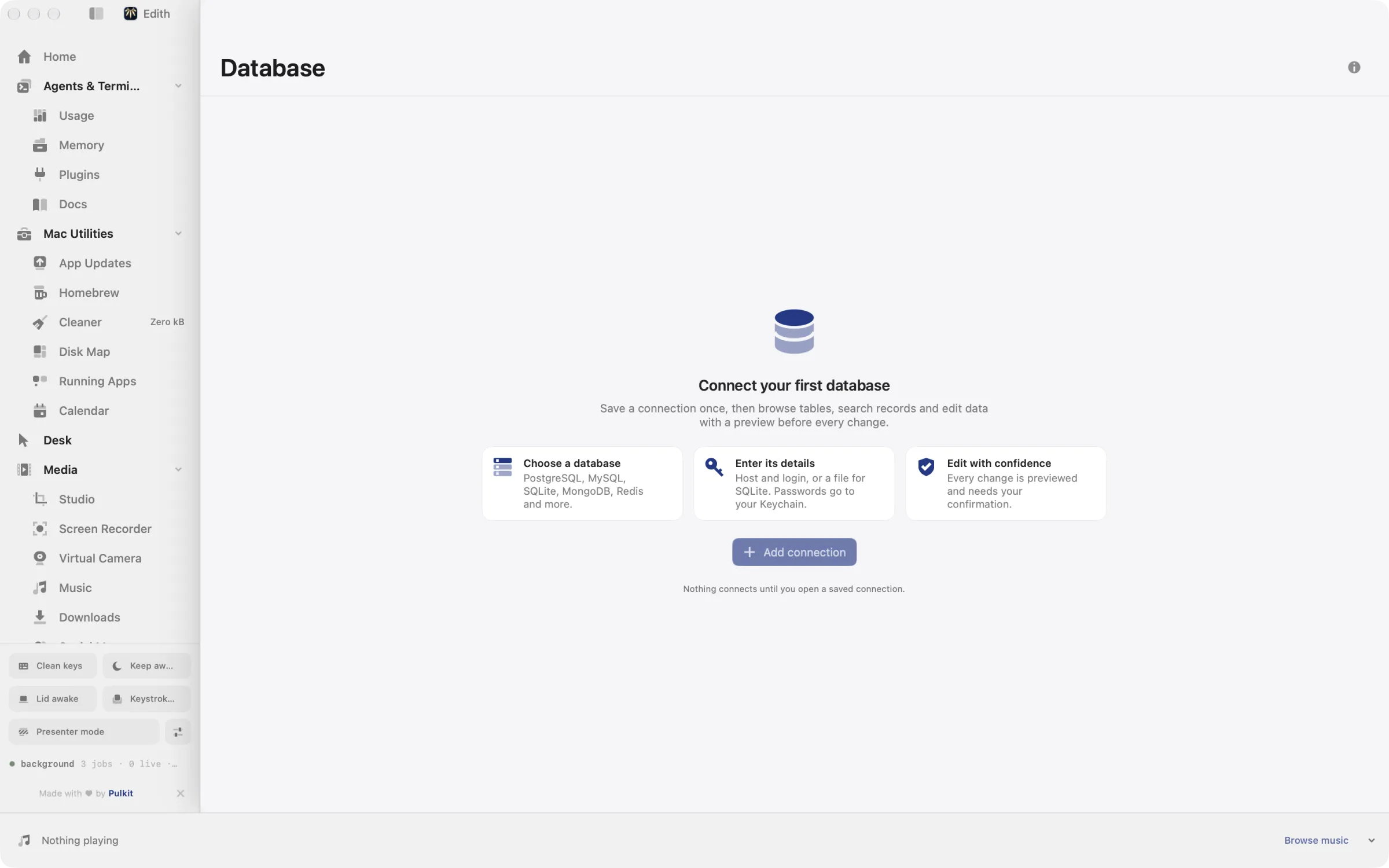
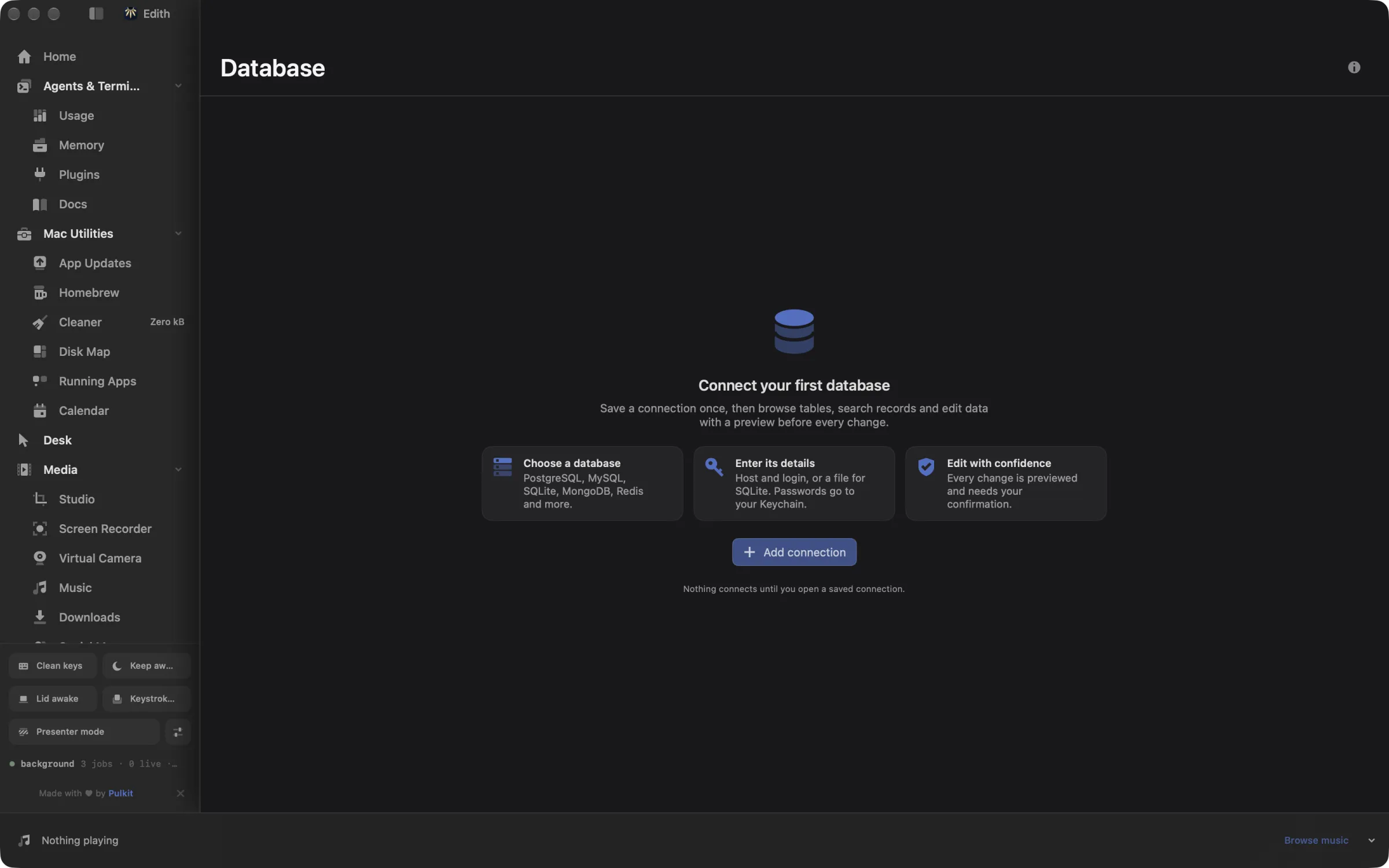
Most developers touch several kinds of database in a week: a relational one for the app, Redis for caching, maybe MongoDB or a search cluster. Database covers relational, key-value, document, search and analytical stores in one window. Add a connection by picking the type and entering the host, or choose a file for SQLite. Edith tests it before saving, keeps the password in your Keychain, and then shows the tables, collections or keys inside. You can page through records, search, sort and filter without writing a query.
Changes are where it is deliberately careful. An edit to a row, a key or a document, or a query that would modify data, first becomes a preview showing exactly what will change, and nothing runs until you confirm that exact preview. Each connection also carries a safety policy: standard, require a preview for every change, or refuse changes entirely, which is the one to pick for production. Long-running operations are tracked and can be cancelled.
Coding agents get a careful path too. ed database mcp runs a separate MCP server over stdio whose tools list saved connections, browse records and run bounded read queries, while its Redis key and document change tools only apply a change after a preview is confirmed. The ed database commands are also tools in Edith's own MCP server. Queries you run often can be saved by name with ed database saved-queries and pulled up again later.
Updated
How to browse and edit a database on Mac
- 1
Add a connection
Pick your database type and enter its host, or choose a file for SQLite.
- 2
Open it
Edith connects and shows the tables, collections or keys inside.
- 3
Browse and filter
Look through records, search, sort and filter without writing a query.
- 4
Review before changing
Edits show exactly what will change and wait for your confirmation. Agents can read through a read-only MCP server.
What it does
Browse a database
Connect to PostgreSQL, MySQL, SQLite, MongoDB or Redis and look through tables.
Run a query
Write a query and see the results, with risky changes previewed first.
Does macOS do this already?
Does macOS include a database app?
Not a graphical one. macOS ships the sqlite3 command-line tool, which opens SQLite files in Terminal, and nothing for PostgreSQL, MySQL, MongoDB or Redis. Database gives all of them a browser, a query editor and previewed edits in one window, with passwords in your Keychain rather than in a config file.
Use cases
Look at production data without risking it
Save the production connection with the refuse-changes policy and a staging copy with standard. You can browse and query production freely, and any edit you try there is refused, while staging still lets you fix a row after a preview.
Check what a Redis key actually holds
Open the Redis or Valkey connection, find the session or cache key, and read its value and expiry. Setting a new expiry on a string key, or deleting it, goes through a preview of that one key before it happens.
Let Claude Code read your schema
Point your agent at ed database mcp and it can list connections, browse tables and run bounded read queries while it writes a migration, without ever being handed the connection password.
Open a SQLite file from an app
Many Mac apps and dev tools keep their data in SQLite. Add a connection, choose the .sqlite or .db file, and browse its tables the same way you would a server database.
From the terminal and your coding agents
Every example returns JSON with --json, and agents can call the same thing over MCP.
$ ed database connections list
$ ed database connections add notes --product postgresql
$ ed database connect <connection-id>| Command | MCP tools |
|---|---|
ed database | edith_database_* |
Connect Claude Code, Codex, Cursor or another client through the Edith MCP server.
Permissions and requirements
Permissions
- Keychain, to store connection passwords
- Access to the SQLite files you choose
Requirements
- macOS 14 or later on Apple silicon
- Network access to each database server, or a local SQLite file
Recent changes
- FixedList a connection's tables when browse is given no path.v0.0.381,
- FixedUnblock deadlocked executor shutdown tests.v0.0.319,
- NewAdd fast table tabs, related filters, and typed row editing.v0.0.247,
- FixedRepair MySQL authentication and align packaged dependencies.v0.0.230,
- NewAdd explorer workbench.v0.0.212,
Frequently asked questions
Which databases does it support?
PostgreSQL, MySQL, MariaDB and SQLite for relational data, Redis and Valkey for keys, MongoDB for documents, Elasticsearch and OpenSearch for search, and ClickHouse for analytics. The drivers come with the extension.
Where are my database passwords stored?
In your macOS Keychain. Saved connection details hold no secrets, and ed database connections show prints a connection without its credentials.
Can it stop me from changing a production database by accident?
Yes. Give that connection the policy that refuses changes, and every edit through Edith is rejected. The middle policy requires a preview for every change, so nothing runs without a deliberate confirmation.
Can Claude Code query my database over MCP?
Yes, carefully. Add ed database mcp to your agent as an MCP server. Its database_browse and database_query tools read data in bounded pages, and the tools that change a Redis key or a MongoDB, Elasticsearch or OpenSearch document work only through a preview that has to be confirmed.
Does it support encrypted connections?
Yes. Each connection carries its own TLS settings, so you can connect to servers that require encrypted connections.
Is Database included in Edith's one-time price?
Yes. Database comes with every Edith license, with every supported driver included in the extension.
More in Developer & Data

Get Edith.
From $35 once. No subscription. No account.
Needs a license key · macOS 14 or later on Apple silicon · 6.4 MB