 Edith
Disk Map
Disk space analyzer for Mac
Point it at a folder and see at a glance which parts take up the most room.
Disk Map is an Edith extension that measures any folder on your Mac and draws it as a treemap or as rings, with each block sized by the space that item takes on disk.
Storage settings will tell you that Documents or Developer is large, but not which folder inside it is the problem. Disk Map answers that visually. Choose your home folder, a project directory or an external drive, and it measures everything inside, then shows each folder and file as a block whose area matches the space it uses. Click a block to step into that folder, and use Back to come out again.
Beside the map, lists rank the contents of the current folder, the largest folders, the largest files, and cleanup candidates: node_modules, Python virtualenvs, Rust target folders, Xcode DerivedData, npm's download cache and application caches, each with a short note on what it is and what to check before removing it. Reveal any item in Finder to check it, then move it to the Trash from the same row after a confirmation.
Sizes reflect what files actually occupy on disk rather than their nominal length, and hard-linked files are counted once, so one file reached by two paths does not inflate the total. Allocated space is not always exactly what you get back after deleting, and the page says so. A scan stays on the volume you picked, skips other mounted drives and folders whose contents are only in iCloud, and reports anything it could not read. Scanning only reads, and you can cancel it at any point without anything having changed.
Updated
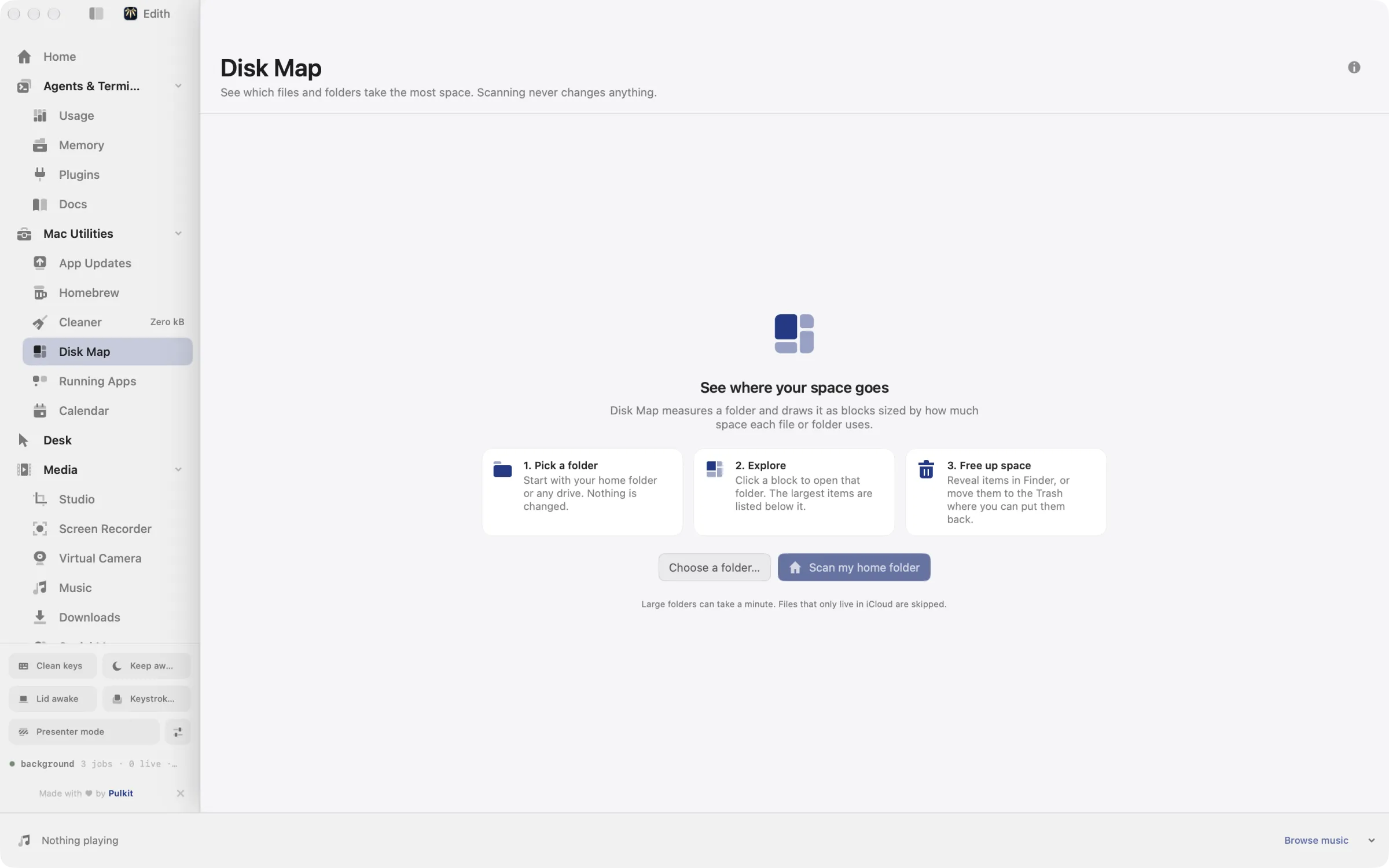
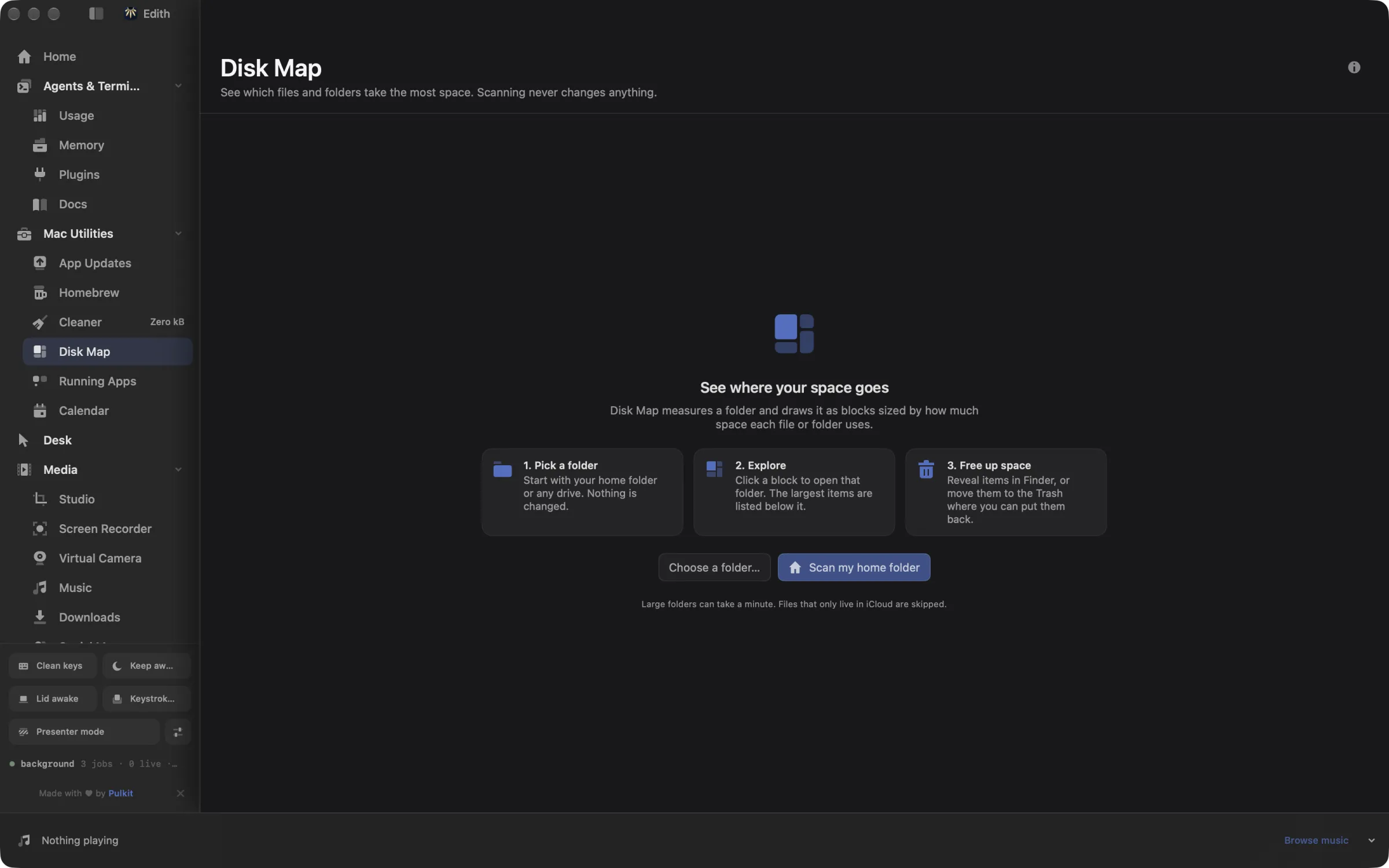
How to see what is using disk space on a Mac
- 1
Choose a folder
Start with your home folder or a drive. Scanning only reads and never changes files.
- 2
Explore the map
Bigger blocks use more space. Click a folder to look inside it.
- 3
Move items to the Trash
Reveal an item in Finder to check it, then move it to the Trash. You can put it back.
What it does
See what is using your disk
Map any folder as blocks sized by the space they use.
Does macOS do this already?
How do I see what is taking up space on a Mac without an app?
System Settings, General, Storage breaks usage into categories and lists large files in some of them, and Finder can show folder sizes in list view if you turn on Calculate all sizes in View Options. Both help, but neither shows the whole tree at once. Disk Map draws every folder in proportion so the large ones stand out immediately, and lets you trash an item right where you found it.
Use cases
Find out why the disk is full
Scan your home folder and the biggest blocks usually point straight at the cause, such as a forgotten video export, an old virtual machine image or a folder of raw photos you already imported elsewhere.
Clean up a projects folder
Map ~/code and open Cleanup candidates to get the node_modules, target and virtualenv folders from every project in one list, largest first, ready to reveal or trash.
Check an external drive before reusing it
Choose the drive in the folder picker to see which folders fill it, so you can decide what to copy off before you erase or reformat it.
Permissions and requirements
Permissions
- None for folders you can already open; folders macOS protects are skipped and reported as unreadable
Requirements
- macOS 14 or later on Apple silicon
Frequently asked questions
Does Disk Map delete anything on its own?
No. Scanning only reads. An item moves to the Trash only when you choose Move to Trash on its row and confirm, and you can put it back from the Trash.
Why can a size differ from what Finder shows?
Disk Map counts the space files occupy on disk and counts hard-linked files once, so its totals can differ from the logical sizes Finder reports in Get Info.
Can it scan an external drive?
Yes. Choose the drive like any other folder. The scan stays on that volume and does not wander into other mounted drives.
Should I use the treemap or the rings view?
Both show the same data. The treemap packs folders as rectangles, which makes big items easy to spot, while rings show how folders nest from the center outward. Switch between them with the Visualization control.
Is there a terminal command for Disk Map?
Not for Disk Map itself. For scripted cleanup, Cleaner has ed cleaner scan and ed cleaner clean, and Menu Bar Stats has ed system disks for free space on each volume.
Is Disk Map included in Edith's one-time price?
Yes. Disk Map comes with Edith and its other Mac utilities under a single purchase, with no subscription to keep up.
Guides
Compare and alternatives
- Edith vs CleanMyMac: Mac Cleanup Tools ComparedEdith vs CleanMyMac on Mac: malware checks and one-click cleanup on a subscription or license, or developer cache cleanup and updates in one app.
- DaisyDisk Alternative for Mac: Disk Map and CleanerA DaisyDisk alternative for Mac: map what fills your disk, then clear Xcode data, package caches and old git worktrees to the Trash. Part of Edith.
Used in
More in Mac Utilities

Get Edith.
From $35 once. No subscription. No account.
Needs a license key · macOS 14 or later on Apple silicon · 6.4 MB