 Edith
LaTeX
LaTeX editor for Mac with live PDF preview
Write LaTeX documents and see the PDF next to your source.
LaTeX is an Edith extension that edits .tex files in a built-in editor, compiles them with Tectonic or pdfLaTeX, and shows the PDF and the build log beside the source.
A full TeX distribution is a download of several gigabytes before you write a line. LaTeX in Edith defaults to Tectonic, a self-contained engine that fetches only the packages your document uses, and Edith installs it for you. If you already have TeX Live with latexmk, you can choose pdfLaTeX instead for a journal or thesis template that expects it.
The editor has syntax highlighting, find and replace, undo and redo, line wrapping, text sizes from 12 to 20 points, and an Insert menu for bold, italic, sections, equations and lists. Command-S saves and builds, the PDF appears on the right, and when a build fails the build log is one tab away, so you can read the actual error rather than guess.
Papers that live in a repository get a second mode. Add a source path in a GitHub repository instead of a local file, and saving commits your change to a review branch along with a small GitHub Actions workflow that builds the PDF. Edith opens a pull request, downloads the built PDF to show beside the source, and lets you read the diff, unified or split, and the checks, then squash-merge without leaving the page. Nothing is uploaded until you choose GitHub.
Updated
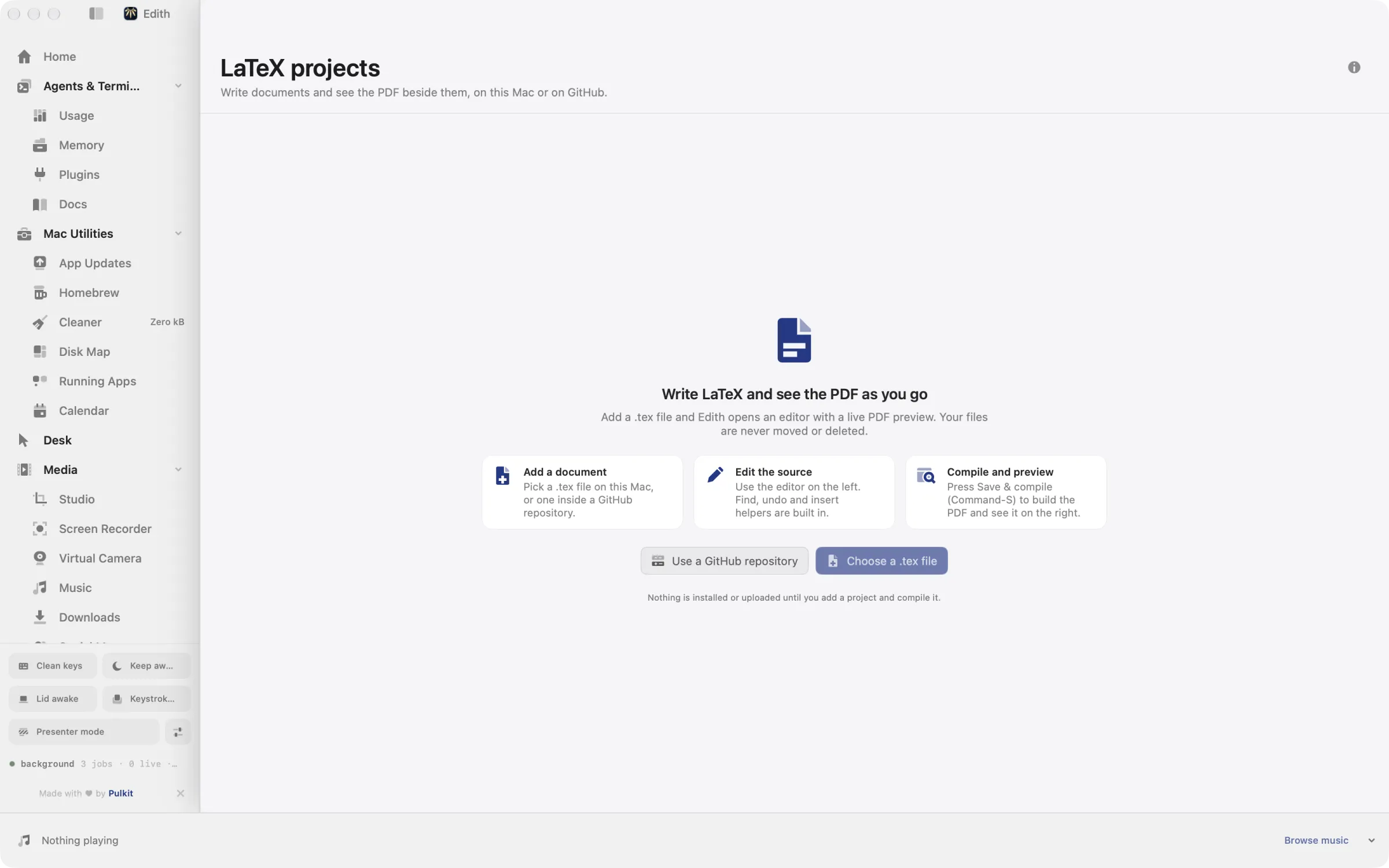
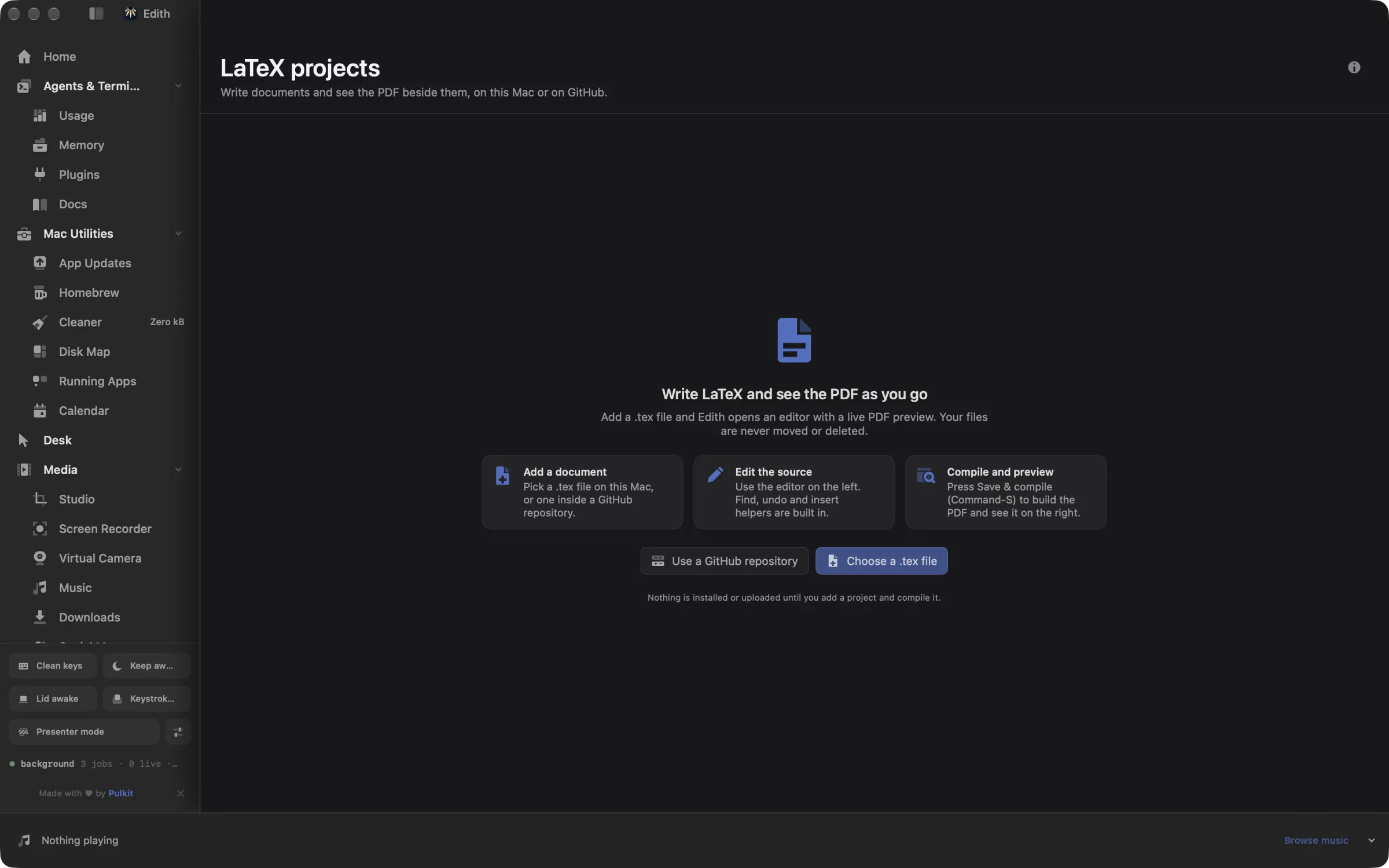
How to write and compile LaTeX on a Mac
- 1
Add a document
Choose a .tex file on this Mac, or a source path in a GitHub repository.
- 2
Edit the source
Write in the editor with find, undo and insert helpers.
- 3
Compile
Press Command-S to save and build the PDF.
- 4
Preview the PDF
The result appears beside your source, with the build log if something fails.
What it does
Write a LaTeX document
Edit .tex files with a live PDF preview.
Does macOS do this already?
Can a Mac compile LaTeX out of the box?
No. macOS has no TeX engine. The usual routes are MacTeX, a large install that comes with the TeXShop editor, or an online editor in the browser. Edith's LaTeX gives you an editor and a PDF preview that install a small engine when you first build, and keeps documents on your Mac or in your own GitHub repository.
Use cases
Write a paper without installing MacTeX
Add a new .tex file, press Command-S, and Tectonic downloads just the packages the document needs on the first build. Later builds reuse them, so a short article never pulls in the gigabytes of fonts and packages a full distribution installs.
Co-author through pull requests
Keep the thesis in a GitHub repository. Each round of edits becomes a pull request with a PDF built by GitHub Actions, so your advisor or co-author can read the rendered result and the source diff in the same place before you merge.
Use a template that needs pdfLaTeX
Some conference and journal templates only compile with pdfLaTeX. If TeX Live is installed, pick pdfLaTeX when you add the document and Edith builds it with latexmk instead of Tectonic.
Let an agent fix a compile error
With the Edith LaTeX Edit skill installed, a coding agent reads the source with ed latex read, applies a checked replacement with ed latex edit, and recompiles with ed latex compile. If the file changed in the meantime, the edit is refused instead of overwriting your work.
From the terminal and your coding agents
Every example returns JSON with --json, and agents can call the same thing over MCP.
$ ed latex ls --json
$ ed latex add --name Paper --file /tmp/main.tex --json
$ ed latex compile PROJECT --json
$ ed latex preview PROJECT --data --json| Command | MCP tools |
|---|---|
ed latex | edith_latex_* |
Connect Claude Code, Codex, Cursor or another client through the Edith MCP server.
Permissions and requirements
Permissions
- No macOS privacy permissions
- A GitHub CLI sign-in, only for documents in GitHub repositories
Requirements
- macOS 14 or later on Apple silicon
- Tectonic, installed by Edith for local builds
- TeX Live with latexmk, only for local pdfLaTeX builds
- The GitHub CLI and a repository with Actions turned on, for GitHub documents
Frequently asked questions
Do I need MacTeX to use it?
No. Local documents build with Tectonic by default, which Edith installs and which downloads packages on demand. MacTeX or another TeX Live install is only needed if you want local pdfLaTeX builds.
Can I choose pdfLaTeX instead of Tectonic?
Yes. GitHub documents can use either compiler. For local documents, pdfLaTeX appears as a choice once Edith finds latexmk from a TeX Live install on your Mac.
How does the GitHub mode build my PDF?
Edith commits your source and a workflow file to a review branch and opens a pull request. GitHub Actions compiles the PDF and uploads it as a build artifact, which Edith downloads to show next to the source. Merging is a squash merge from the page.
Can Claude Code edit and compile my LaTeX over MCP?
Yes. The ed latex commands are tools in Edith's MCP server, such as edith_latex_read, edith_latex_edit and edith_latex_compile. Edits are checked against the revision the agent read, so a stale edit fails instead of overwriting newer text.
Does it work offline?
Local documents build on your Mac, though Tectonic needs a connection to fetch any package a document uses for the first time. GitHub documents always need a connection, since GitHub builds the PDF.
Is LaTeX included in Edith's one-time price?
Yes. The LaTeX editor comes with every Edith license, and Tectonic is free to install through Edith.
More in Developer & Data

Get Edith.
From $35 once. No subscription. No account.
Needs a license key · macOS 14 or later on Apple silicon · 6.4 MB