 Edith
Downloads
Save videos and audio from links on Mac
Paste a link, pick what to keep, and the file lands in a folder on your Mac while you get on with your work.
Downloads is an Edith extension that saves the video, audio, photos or whole post behind a link to your Mac, running in the background with a queue you can retry, open or reveal.
Saving a clip from a post usually means a website full of ads or a command line tool with a long list of flags. Downloads gives the job a plain window. Paste one link or several, one per line, choose post, images, audio or video, pick the folder and press Download. It works with links from many video and social sites, and progress shows in a list where finished items open or reveal in Finder.
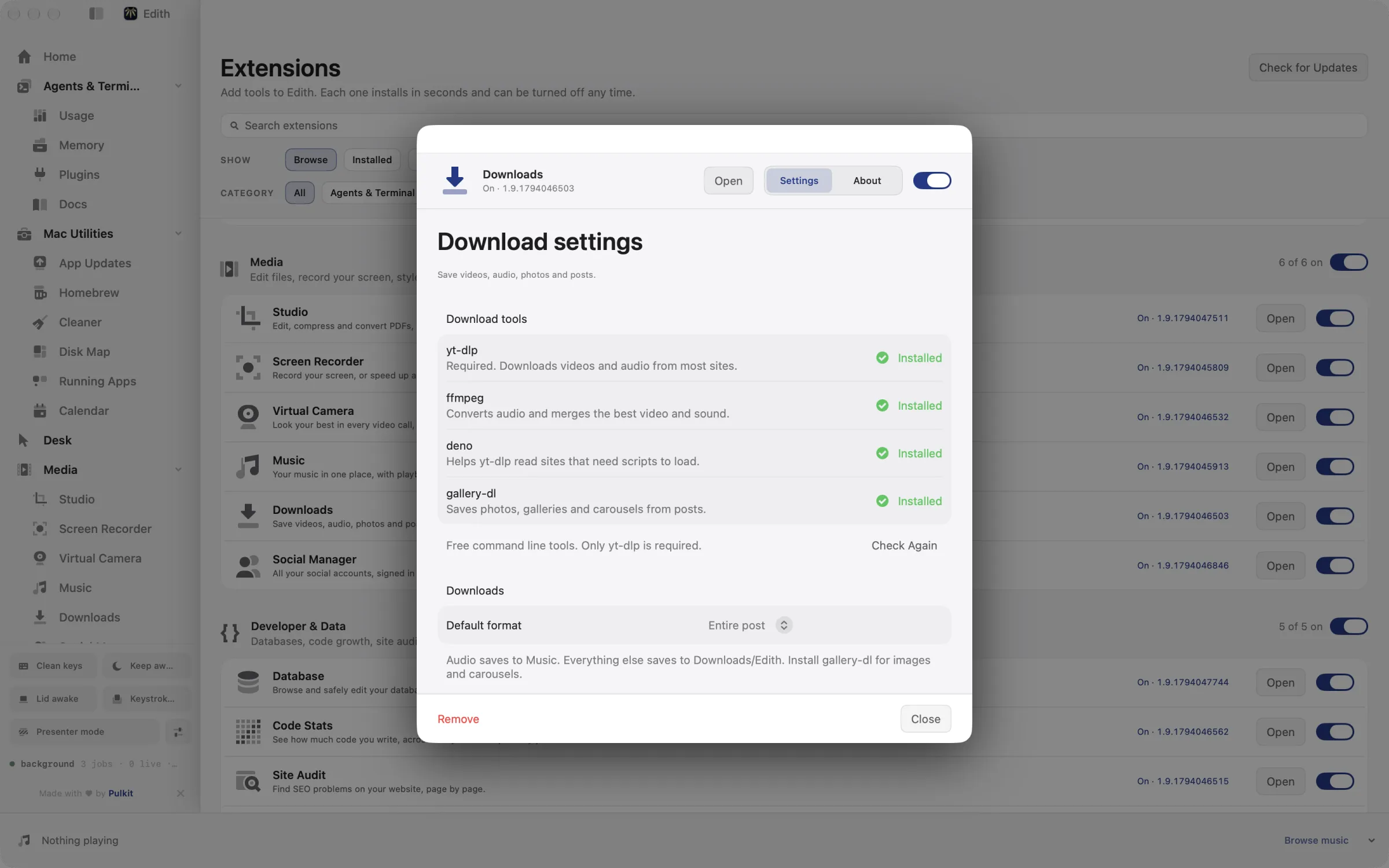
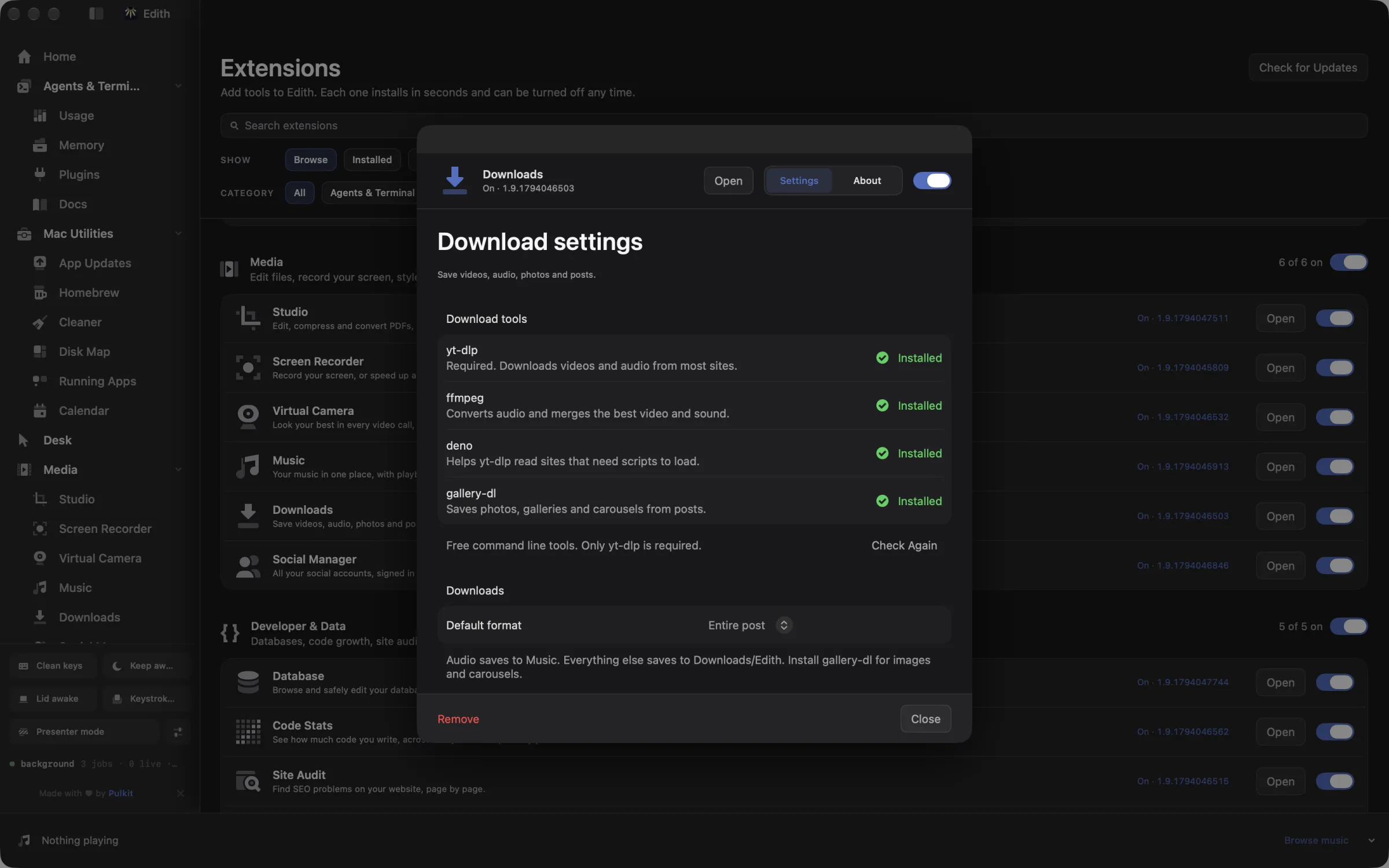
The work is done by free, open-source tools that Edith installs and can update for you. yt-dlp is the only required one. FFmpeg merges the best video and sound and converts audio, Deno helps yt-dlp read sites that need scripts to load, and gallery-dl saves photos, galleries and carousels. Audio is saved to your music library folder, the same one Edith's Music player reads, and everything else goes to Downloads/Edith unless you choose another folder.
Downloads run in the background, so you can close the window and keep working. Failed items stay in the queue and can be retried one at a time or all together, and active downloads can be cancelled and retried later. Only save media you made, that is licensed for download, or that you have permission to keep, and follow each site's terms.
Updated
How to save a video from a link on Mac
- 1
Paste a link
Add one or several links, one per line.
- 2
Choose what to save
Pick post, images, audio or video, and the folder to save into.
- 3
Press Download
Watch progress in the list, then open or reveal the finished file.
What it does
Download a video from a link
Save videos, audio and photos from YouTube, Instagram, TikTok, X and Reddit.
Does macOS do this already?
Can a Mac save videos from social media without an app?
Not in general. Safari and other browsers save files that are linked directly, but streaming and social sites play video inside the page without offering a file, and some offer offline viewing only inside their own apps. Downloads saves the file from the link itself, using yt-dlp and gallery-dl underneath, and keeps a queue you can retry.
Use cases
Archive your own posts
Paste links to your own social media posts and save them as whole posts with their photos and videos before you tidy up or close an old account.
Keep a lecture as audio
Choose audio for a recorded lecture or talk you are allowed to download, and it is saved straight into your music folder, ready to play in Music on a commute or a flight.
Queue a batch of links from the terminal
Pass several URLs to ed download add and they all join the queue. ed download status summarizes what is queued, running, finished or failed, and ed download retry --all re-queues failures after a dropped connection.
From the terminal and your coding agents
Every example returns JSON with --json, and agents can call the same thing over MCP.
$ ed download add <url>
$ ed download ls
$ ed download status
$ ed download retry --all| Command | MCP tools |
|---|---|
ed download | edith_download_* |
ed downloads | edith_downloads_* |
ed dl | edith_dl_* |
Connect Claude Code, Codex, Cursor or another client through the Edith MCP server.
Permissions and requirements
Permissions
- None. Downloads needs no macOS privacy permission.
Requirements
- macOS 14 or later on Apple silicon
- yt-dlp, which Edith installs for you; FFmpeg, Deno and gallery-dl are optional
- An internet connection
Recent changes
- ImprovedVirtualize the download history.v0.0.381,
Frequently asked questions
Which sites does Downloads work with?
Downloads works with links from many video and social sites, because yt-dlp and gallery-dl do the work and support a long list of them. Whether you may save a given file is set by its owner and the site's terms, not by Edith.
Can I download any video I find?
Only save media you own, media offered under a license that allows downloading, or media you have permission to keep. Many platforms restrict downloading in their terms, and following them is up to you.
Where are downloaded files saved?
Audio goes into your music library folder so Edith's Music player can play it right away. Videos, photos and posts go to Downloads/Edith. You can pick another folder for a download, or pass --directory in the terminal.
Can an agent queue downloads for me?
Yes. The MCP tools edith_download_add, edith_download_ls, edith_download_status and edith_download_retry mirror the ed download commands. In the terminal, ed dl and ed downloads work as shorter aliases.
What should I do when a site stops working?
Sites change often, and a newer yt-dlp usually fixes it. Use the Update button next to yt-dlp in Downloads settings, which stays unavailable while a download is running, or run ed download tool --update.
Is Downloads included in Edith's one-time price?
Yes. Downloads and the tools it installs come with Edith's single purchase. yt-dlp, FFmpeg, Deno and gallery-dl are free, open-source projects.
More in Media

Get Edith.
From $35 once. No subscription. No account.
Needs a license key · macOS 14 or later on Apple silicon · 6.4 MB