 Edith
Window Borders
Colored window borders for Mac
Give every window a border in its own colour.
Window Borders is an Edith Labs extension that draws a colored band around the outside of your windows, with one color per app, so you can tell windows apart at a glance. It never changes the windows themselves.
With a dozen windows across two displays, it takes a moment to find the terminal among the editors. Window Borders gives each app a color from a palette you choose and keeps it, so Terminal is always one shade and Mail always another. The band sits around the outside edge of each window and follows it as you move and resize it.
There are three styles. Solid and Gradient draw a clean band. Knit works the band in stitches: stockinette, rib or garter, with motifs such as wave, chevron, lattice, seed, checks, slant and pulse, or a different motif for each app. Pick one of eight palettes, such as Harbour, Ember, Glacier or Graphite, set the width anywhere from 2 to 60 points, and choose whether the band sits behind the window or slightly in front of its edge.
Practical options sit under the fun ones. Focused window only draws a border on the window you are using and leaves the rest bare, which turns it into a focus indicator. Borders of unfocused windows can be darkened by up to 90 percent. You can pin an app to a color with a rule like Mail=#2C5D8F or Notes=ember, list apps such as Terminal or Preview that keep their plain edges, and pause the borders without losing any of your choices.
Updated
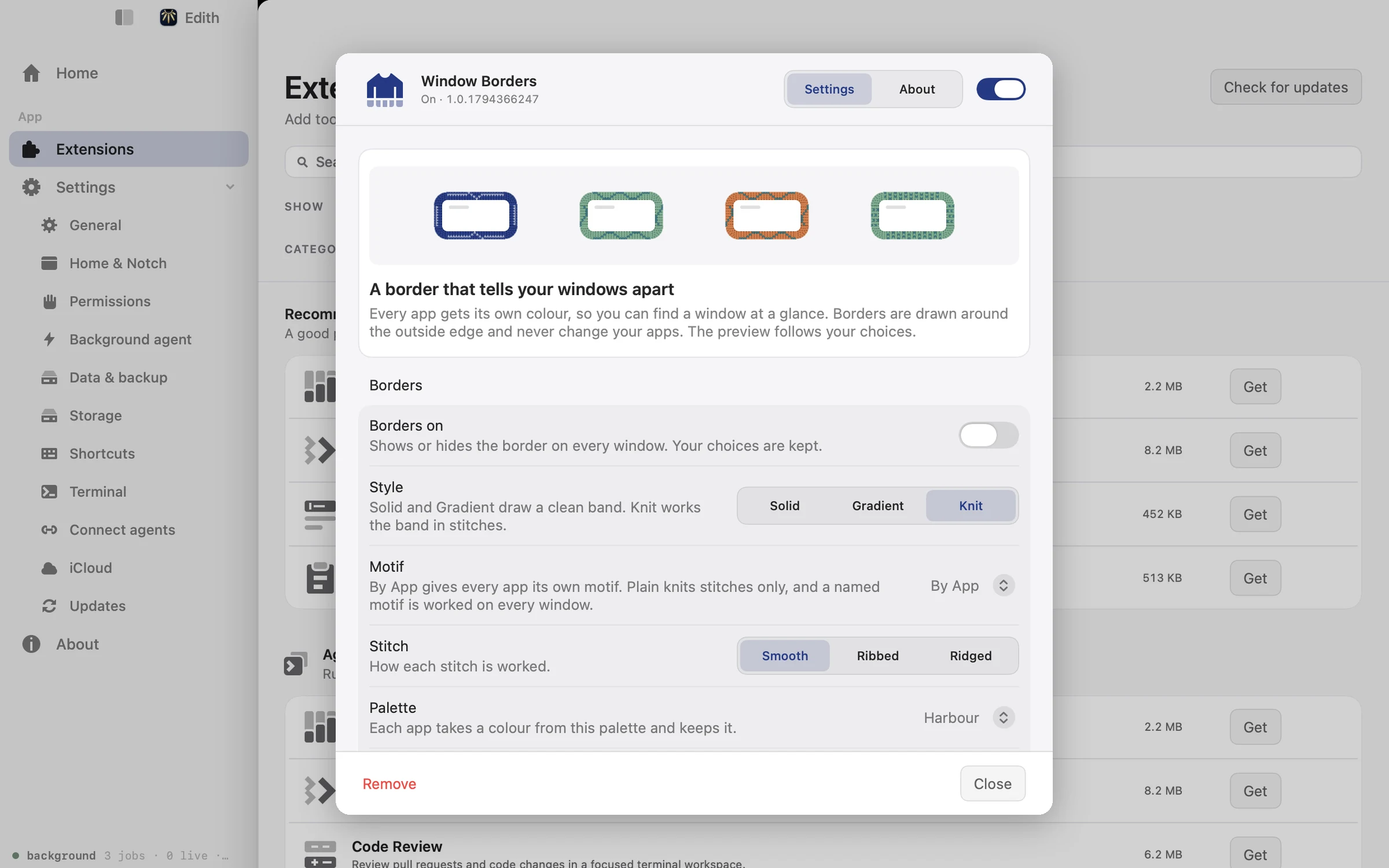
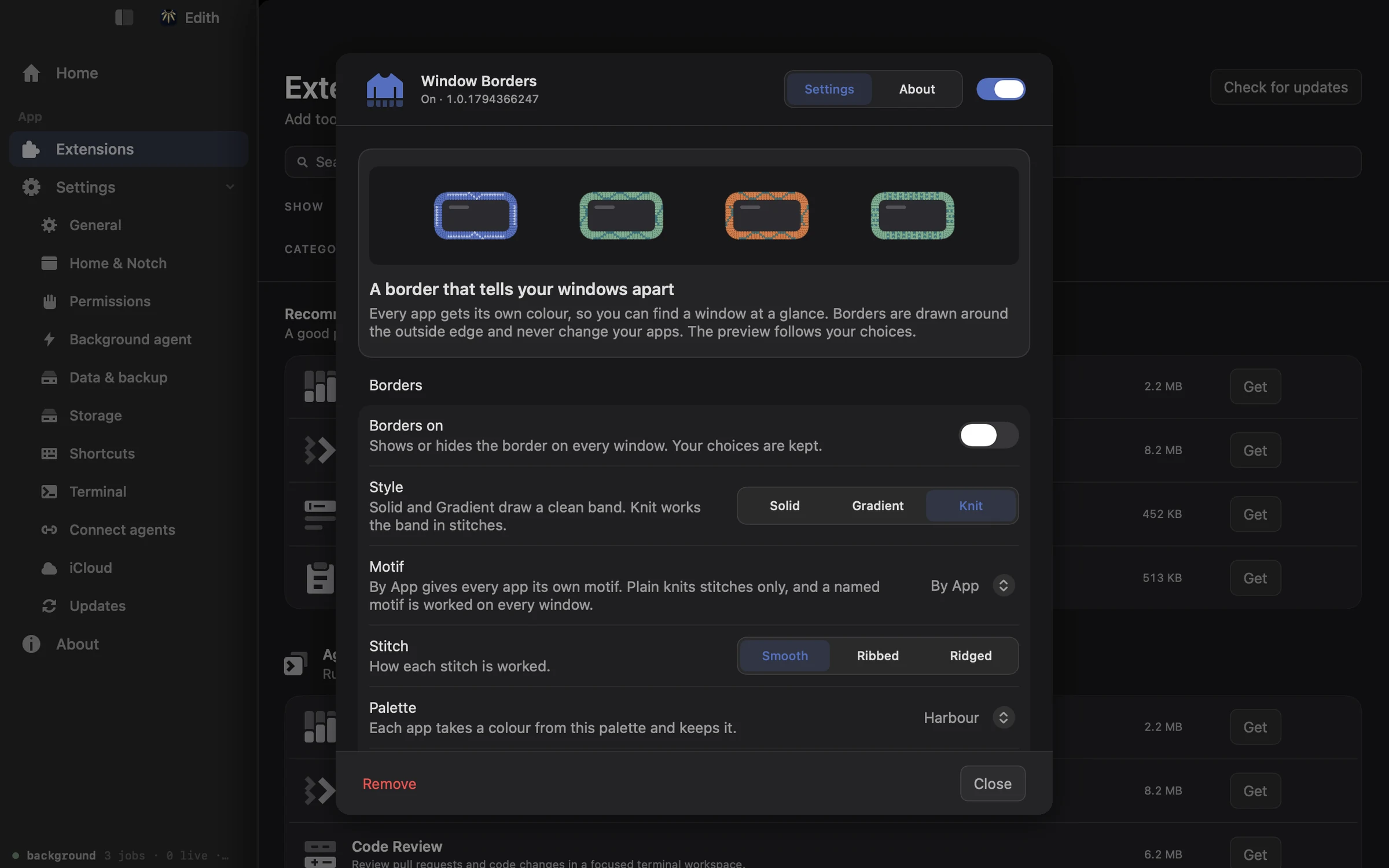
How to add colored borders to windows on Mac
- 1
Turn borders on
The switch in settings adds or removes the border on every window.
- 2
Pick a style and palette
Choose Solid, Gradient or Knit, then a palette. Each app keeps its own colour.
- 3
Adjust the fit
Set the band width, stitch size and how much unfocused windows darken.
- 4
Choose apps
Give an app its own colour, or list apps that keep their plain window edges.
Does macOS do this already?
Can you add colored borders to windows on a Mac?
Not in a color you choose. macOS draws the same thin edge and shadow around every window, and Increase contrast in System Settings > Accessibility > Display makes edges darker but not colored. Window Borders adds per-app colors, styles and a focused-window highlight that macOS does not offer.
Use cases
Spot the active window on a big display
Turn on Focused window only with a bright solid band. Whichever window has focus gets the border, so you always know where your typing will go, even with several similar windows side by side.
Tell work and personal browsers apart
Add rules such as Safari=ember and Arc=glacier so each browser always wears its own color. A glance at the edge tells you which one you are in before you paste a link into the wrong account.
Make app switches easy to follow in a demo
A wide band of 20 points or more shows viewers which window you just switched to, which helps when a screen recording jumps between an editor, a terminal and a browser.
Permissions and requirements
Permissions
- None by default. Window positions come from the standard macOS window list
- Accessibility, optional, if you turn on Follow focus through Accessibility for instant focus changes
Requirements
- macOS 14 or later on Apple silicon
Recent changes
- NewNew palettes and motifs, drawn by a new renderer.v1.0.13,
Frequently asked questions
Do window borders change my apps?
No. The borders are drawn in Edith's own layer around the outside of each window. Apps are not modified, and switching borders off removes them at once.
Can I give one app a specific color?
Yes. In the Colour rules field in settings, add rules as App=color separated by commas, for example Mail=#2C5D8F, Notes=ember. A color can be a hex value or the name of a palette.
Can I show a border only on the active window?
Yes. Turn on Focused window only. For faster tracking when you move between windows with the keyboard, also turn on Follow focus through Accessibility and grant Accessibility access.
How do I keep borders off some apps?
List the app names, separated by commas, in the Never draw on field, for example Terminal, Preview. Those apps keep their normal window edges while every other app gets a border.
Do Labs extensions like Window Borders cost extra?
No. Labs extensions are part of the same one-time Edith purchase as the rest, so Window Borders is there to try whenever you like.

Get Edith.
From $35 once. No subscription. No account.
Needs a license key · macOS 14 or later on Apple silicon · 6.4 MB