 Edith
Jev
Jev for Mac
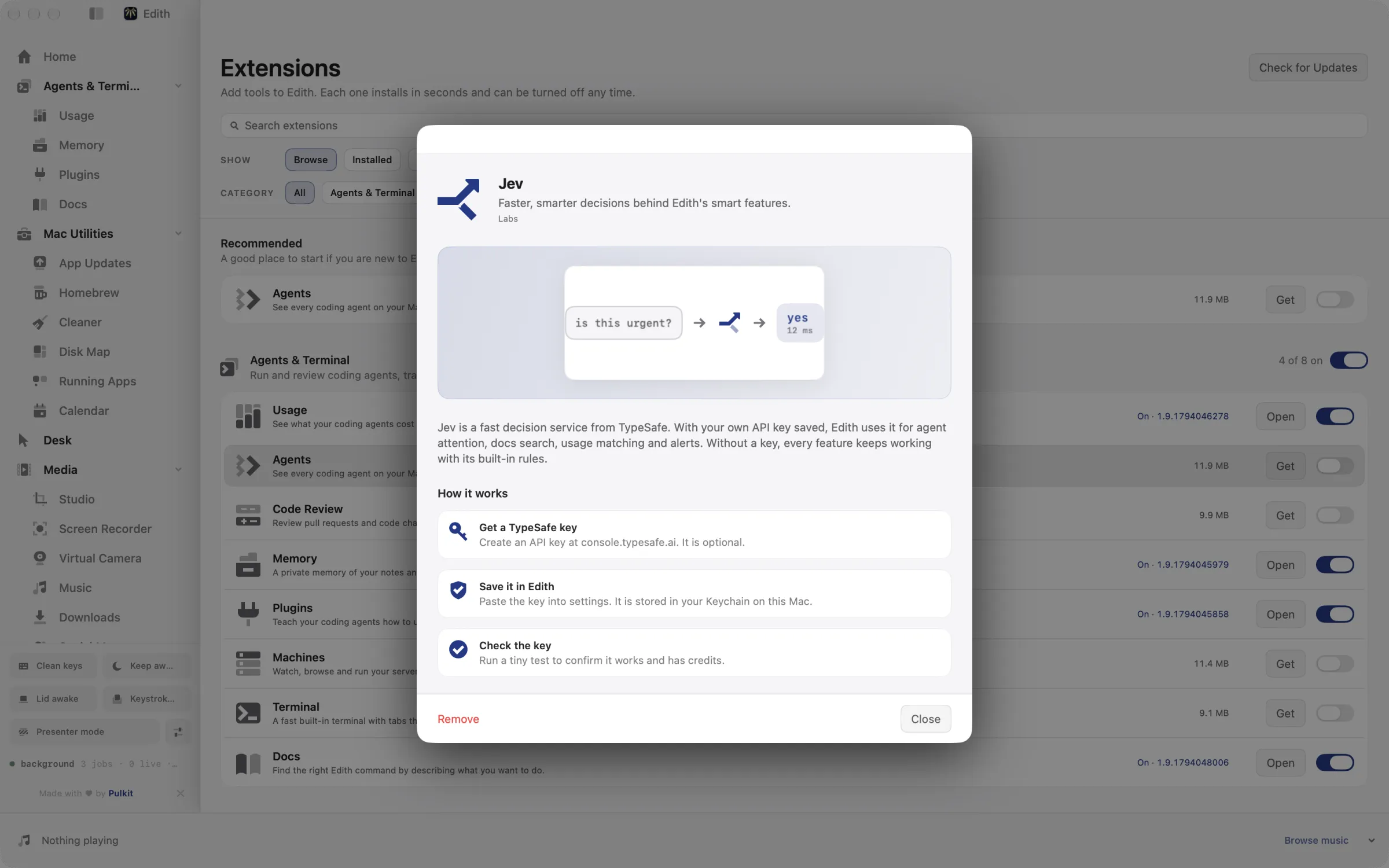
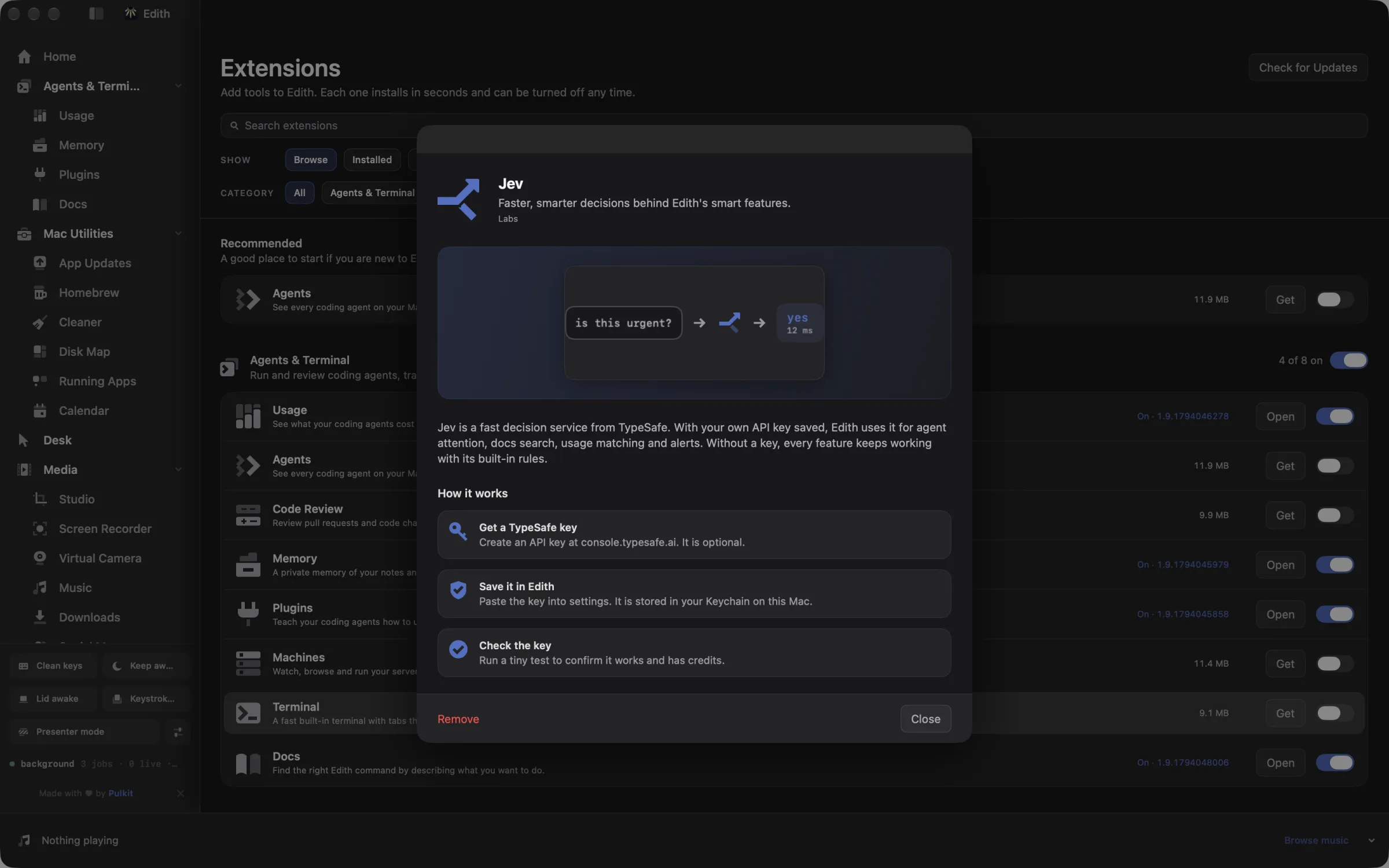
Faster, smarter decisions behind Edith's smart features.
Jev is a decision service from TypeSafe. With your own API key saved, Edith uses it for agent attention, docs search, usage matching and alerts, and every feature keeps working with its built-in rules without one.
Updated
How to use Jev on your Mac
- 1
Get a TypeSafe key
Create an API key at console.typesafe.ai. It is optional.
- 2
Save it in Edith
Paste the key into settings. It is stored in your Keychain on this Mac.
- 3
Check the key
Run a tiny test to confirm it works and has credits.
From the terminal and your coding agents
Every example returns JSON with --json, and agents can call the same thing over MCP.
$ ed jev status
$ ed jev status --probe
$ ed jev key show| Command | MCP tools |
|---|---|
ed jev | edith_jev_* |
Connect Claude Code, Codex, Cursor or another client through the Edith MCP server.
Permissions and requirements
Permissions
- Keychain, to store your Jev API key on this Mac
Requirements
- macOS 14 or later on Apple silicon
- Your own Jev API key from TypeSafe
Recent changes
- FixedList JevFind in the extension manifest.v0.0.326,
Frequently asked questions
Do I need a Jev key to use Edith?
No. Jev is optional. Without a key, Docs, Agents, Usage and Attention use their built-in rules instead.
How do I check that my key works?
Run ed jev status --probe. It sends a tiny test request to confirm the key is valid and has credits.

Get Edith.
From $35 once. No subscription. No account.
Needs a license key · macOS 14 or later on Apple silicon · 6.4 MB