 Edith
Docs
Edith CLI command reference
Ask how to do something in Edith and get the ed command that does it.
Docs is an Edith extension that ships a written page for every ed command with the app, works without a connection, and ranks the commands that match a goal you type in plain words.
ed, Edith's command line, reaches everything the app does: settings, extensions, permissions, agent usage, playback, your clipboard and calendar, and the machines Edith talks to over SSH. That adds up to hundreds of reference pages, and nobody keeps them all in their head. Docs holds the whole reference locally, so each command has a page saying what it does, whether it changes anything, its options and examples, with links to related commands.
The ask bar is the fast way in. Type free up docker space or restart the background agent, or press Command-K from anywhere on the page, and Docs ranks the commands that fit. The arrow keys move through the matches and Return opens one. Ranking uses a local search index. If you have saved a Jev key, Docs asks Jev to pick the area first and then the command, which copes better with loose phrasing. Reading a page never changes your settings or your machine.
The same reference answers in the terminal, which matters more than it sounds. ed docs ask prints ranked commands for a request, ed docs show prints one page as Markdown, and ed docs ls lists pages by group. A coding agent can look up the right command and its flags before it runs anything, instead of guessing.
Updated
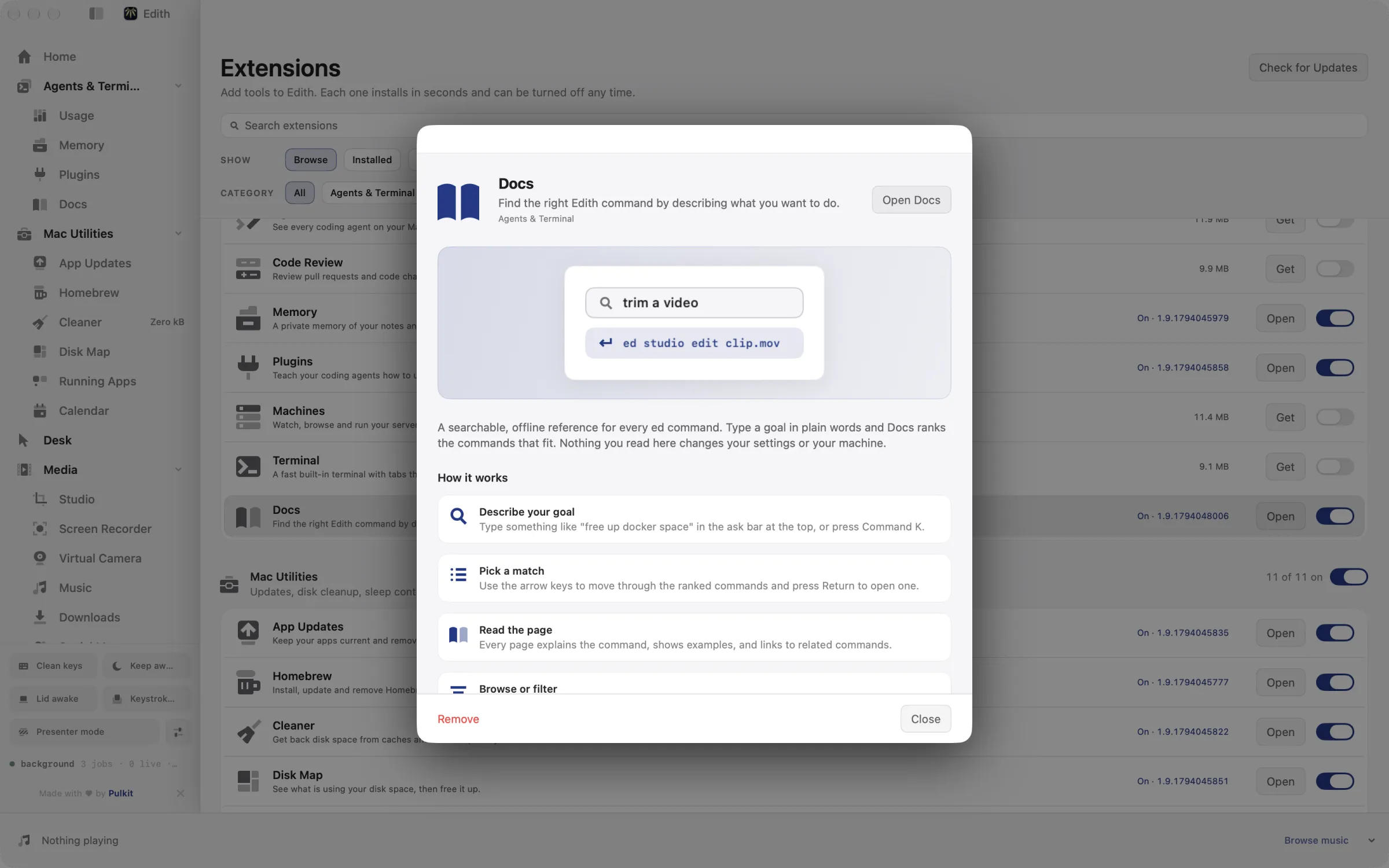
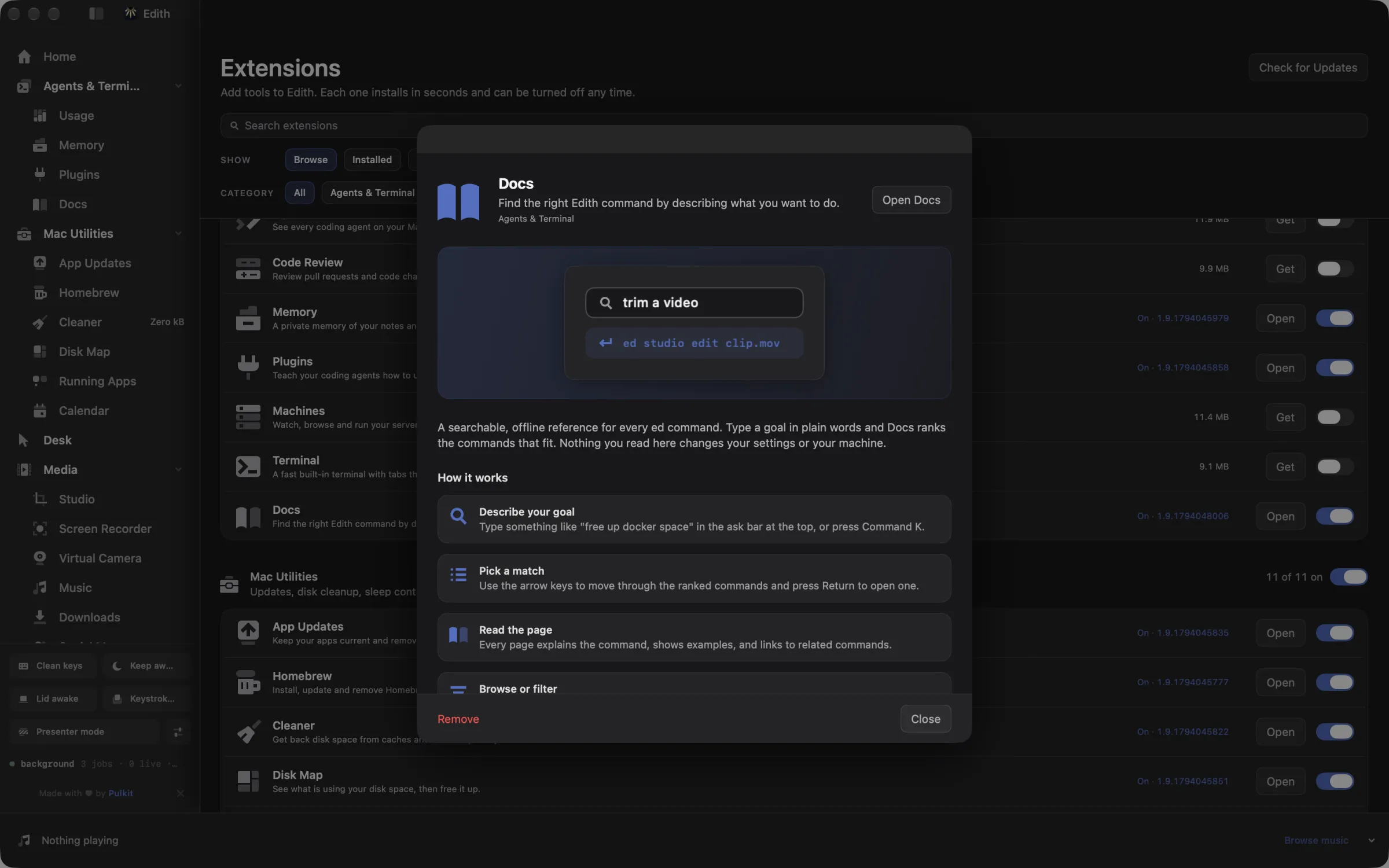
How to find the right ed command for a task
- 1
Describe your goal
Type something like "free up docker space" in the ask bar at the top, or press Command K.
- 2
Pick a match
Use the arrow keys to move through the ranked commands and press Return to open one.
- 3
Read the page
Every page explains the command, shows examples, and links to related commands.
- 4
Browse or filter
Use the list on the left, or press Command F to filter pages by name.
Does macOS do this already?
Can't I just use man pages or --help?
macOS man pages cover the system's own commands, not Edith's. Every ed command does print --help, which is the right tool once you know a command's name. Docs is for the step before that: finding which command to use from a description, then reading a longer page with examples and related commands.
Use cases
Find a command you half remember
You know Edith can show Docker disk usage on a server but not what the command is called. Type docker space on my server in the ask bar and pick from the ranked commands. Each page includes examples you can copy straight into a terminal.
Look up flags without a connection
On a train or a plane, ed docs show config set prints the full page from the bundle that shipped with the app, so the reference matches the version you have installed and needs no network.
Give an agent a map before it acts
Tell your coding agent to run ed docs ask with the task in plain words before it touches anything. It gets a short ranked list of commands, reads the page for the best match with ed docs show, and then runs the command with the right flags.
Read one area end to end
ed docs ls --group machines lists every page for one command group, which is a quick way to learn what an extension can do from the terminal before you install it on a server.
From the terminal and your coding agents
Every example returns JSON with --json, and agents can call the same thing over MCP.
$ ed docs ls
$ ed docs ask "restart the background agent"
$ ed docs show herdr ls| Command | MCP tools |
|---|---|
ed docs | edith_docs_* |
Connect Claude Code, Codex, Cursor or another client through the Edith MCP server.
Permissions and requirements
Permissions
- No macOS privacy permissions
- Network access only when a Jev key is saved, to rank requests with Jev
Requirements
- macOS 14 or later on Apple silicon
- Optional: a Jev API key from TypeSafe, for better ranking of loose requests
Frequently asked questions
Does Docs work offline?
Yes. The reference ships inside the app and Docs reads it from disk. The only network use is the optional Jev ranking, and only when you have saved a Jev key.
Can I search by what I want to do instead of a command name?
That is what the ask bar is for. Describe the goal in your own words and Docs ranks matching commands. Command-F filters the page list by name if you already know roughly what you are looking for.
Can a coding agent use Docs over MCP?
Yes. The ed docs commands are tools in Edith's MCP server, such as edith_docs_ask to rank commands for a request and edith_docs_show to read a page. They only read the reference, so an agent can call them freely.
Does the reference match the version of Edith I have?
Yes. Docs reads the reference bundled with the installed app, so pages describe the commands your copy of ed actually has, and they update when Edith does.
Do I need a Jev key?
No. Without one, Docs ranks commands with its built-in search index. A Jev key from TypeSafe only adds a second way to rank requests that are worded loosely.
Is Docs included in Edith's one-time price?
Yes. Docs comes with every Edith license, along with the ed command line it documents.
More in Agents & Terminal

Get Edith.
From $35 once. No subscription. No account.
Needs a license key · macOS 14 or later on Apple silicon · 6.4 MB