 Edith
Plugins
Claude Code skills for your Mac
Teach your coding agents how to use Edith with one-click skills.
Plugins is an Edith extension that installs Edith skills, short Markdown instruction files, into the skill folders of coding agents like Claude Code, Codex and Cursor, so they know how to use the ed command line.
A skill is a SKILL.md file that an agent loads when a task matches its description. Edith publishes skills for jobs where an agent needs more than a list of commands: working on projects that live on another machine, editing video into a native project, checking a finished export frame by frame, and editing LaTeX with revision-checked changes. Each skill spells out which ed commands to run, in what order, and how to confirm the result actually worked.
Plugins finds the agents you have by looking for their configuration folders and remembers which ones you pick. Installing writes the skill into each agent's global skills folder, so it applies in every project, not just the one you have open. Claude Code gets it in its own skills folder, while Codex, Cursor, Gemini CLI, GitHub Copilot and Amp share the .agents/skills folder. The list covers dozens of agents beyond those, from OpenCode to Kiro CLI.
Preview shows the exact Markdown before anything is written, and Copy puts it on your clipboard if you would rather paste it into a project's own instructions file. Installing touches only the skill folders of the agents you chose.
Updated
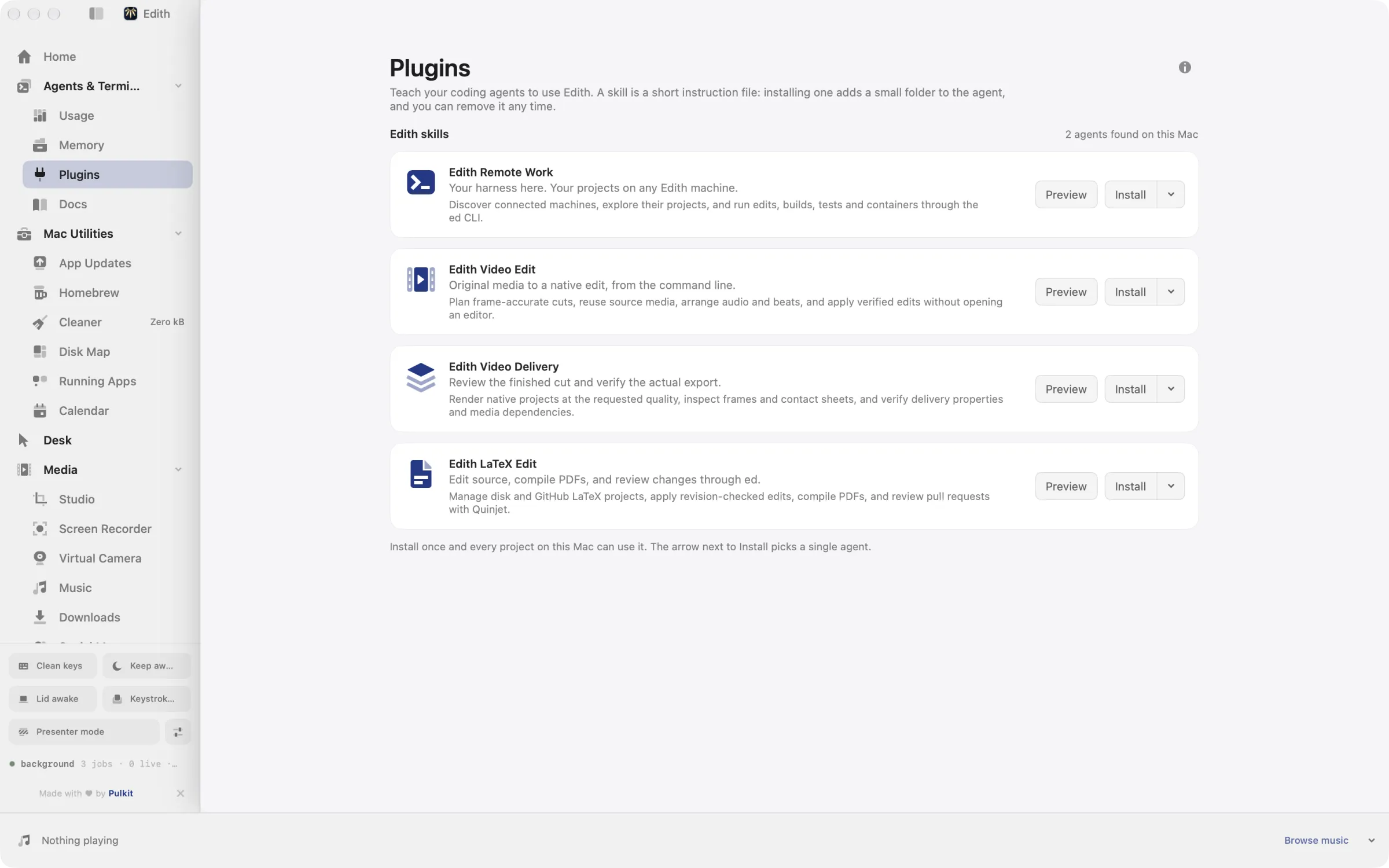
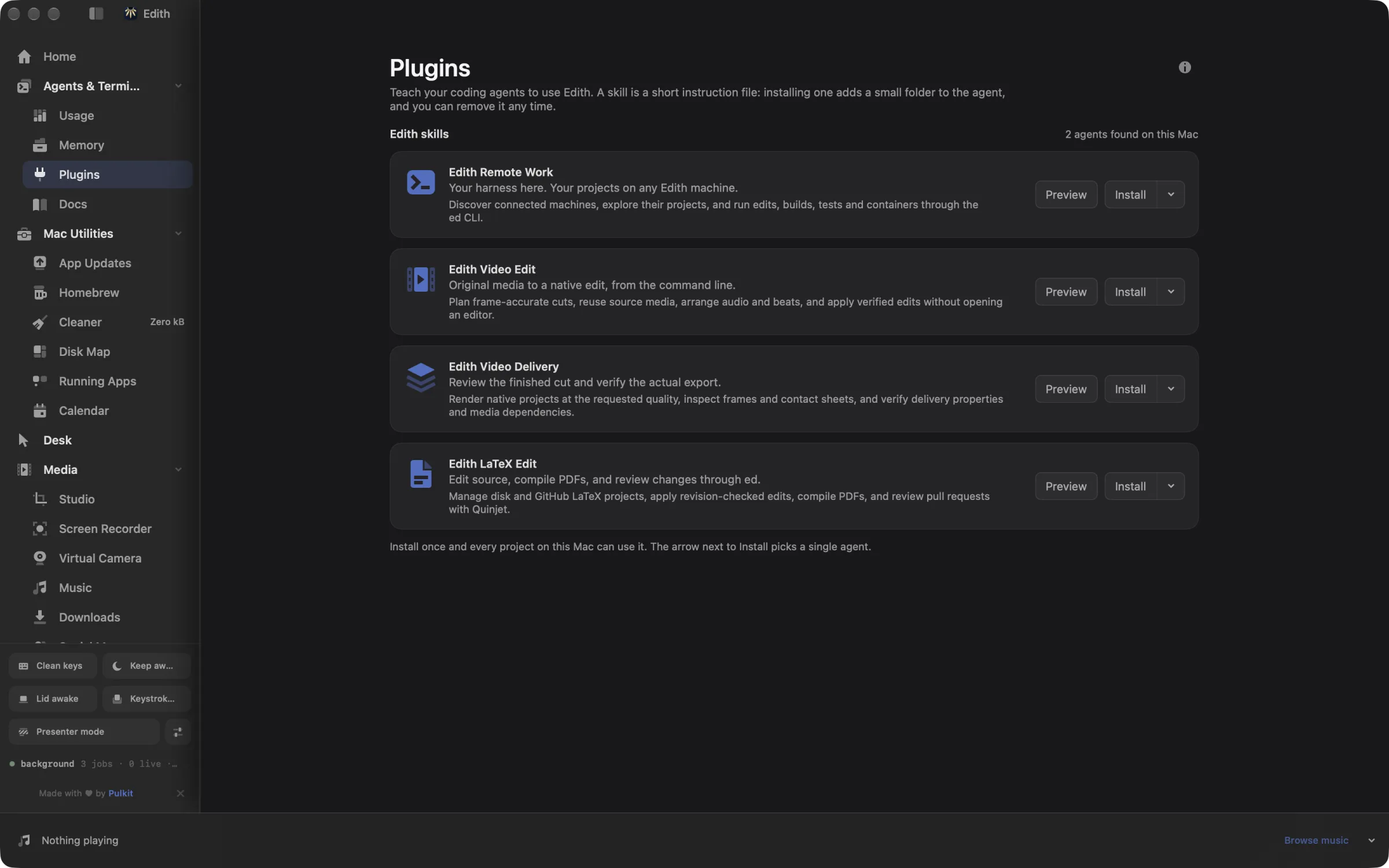
How to install a skill for Claude Code, Codex or Cursor
- 1
Read a skill
Click Preview to see exactly what the skill tells your agent, and copy the Markdown if you prefer.
- 2
Choose your agents
Edith finds the coding agents installed on this Mac and remembers which ones you pick.
- 3
Install
The skill is added to each agent for all your projects. Nothing else on your Mac is touched.
What it does
Teach your agents to use Edith
Install skills for Claude Code, Cursor or Codex.
Does macOS do this already?
Does macOS have a way to add skills to coding agents?
No. Skills belong to the agents, not to macOS. You can copy a SKILL.md into a folder such as ~/.claude/skills by hand in Finder or Terminal, and it will work. Plugins does that copy for every agent you choose, knows where each agent looks, and lets you read the file first.
Use cases
Let Claude Code work on a remote server
Install Edith Remote Work for Claude Code, then ask it to run the test suite on your Linux box. The skill teaches it to find the machine with ed machines, explore the project there, run builds and tests over SSH, and manage containers, while the harness stays on your laptop.
Hand a rough cut to an agent
Edith Video Edit and Edith Video Delivery teach an agent to plan frame-accurate cuts with the ed studio edit command line, render the result, and check frames, contact sheets and export properties before telling you it is done.
Co-write a paper with an agent
Edith LaTeX Edit shows an agent how to read a source with its revision, apply checked edits through ed latex, compile the PDF, and review the pull request when the document lives on GitHub.
Set up a new Mac in one line
Run ed skills install edith-remote-work --agent cursor --yes in a setup script, and repeat it per agent, to give every coding agent on a fresh machine the same instructions without clicking through the page.
From the terminal and your coding agents
Every example returns JSON with --json, and agents can call the same thing over MCP.
$ ed skills ls
$ ed skills preview edith-remote-work
$ ed skills install edith-remote-work --agent cursor --yes| Command | MCP tools |
|---|---|
ed skills | edith_skills_* |
Connect Claude Code, Codex, Cursor or another client through the Edith MCP server.
Permissions and requirements
Permissions
- No macOS privacy permissions
- Writes only to the skill folders of the agents you choose
Requirements
- macOS 14 or later on Apple silicon
- At least one supported coding agent, such as Claude Code, Codex or Cursor
- An internet connection to download a skill
Frequently asked questions
What is a Claude Code skill?
A folder with a SKILL.md file inside. Its short description tells the agent when to use it, and the body holds the instructions. Claude Code reads skills from its skills folder and loads the full instructions only when a task fits, so an installed skill stays out of the way until it is useful.
Where are skills installed?
In each agent's global skills folder under your home folder, in a subfolder named after the skill. Claude Code uses its own config folder, which respects CLAUDE_CONFIG_DIR, and many other agents read the shared ~/.agents/skills folder, so one copy there serves all of them.
Which agents can use Edith skills?
Dozens of them. Plugins detects Claude Code, Codex, Cursor, Gemini CLI, GitHub Copilot, Amp, OpenCode, Cline, Kiro CLI and many more by their configuration folders, and only offers the ones it finds on this Mac.
Can an agent install a skill for itself over MCP?
Yes. The ed skills commands are tools in Edith's MCP server: edith_skills_ls lists skills, edith_skills_preview returns the Markdown, and edith_skills_install installs one for chosen agents. Installing shows a preview until the call confirms it.
Where do the skills come from?
From Edith's website, downloaded when you preview or install. After writing the files, the installer reads them back and checks they match what it downloaded, and stops if they changed in between.
Are skills included in Edith's one-time price?
Yes. Plugins and every skill it installs are included with an Edith license. The agents themselves need their own plans or API keys.
More in Agents & Terminal

Get Edith.
From $35 once. No subscription. No account.
Needs a license key · macOS 14 or later on Apple silicon · 6.4 MB