 Edith
Memory
Self-hosted notes search for your Mac
A private memory of your notes and voice memos that you can ask questions.
Memory is an Edith extension that runs a small memory service on this Mac or one of your SSH machines, takes in your notes, recordings, photos and PDFs, and answers questions from them with the sources it used.
Most note apps find words. Memory answers questions. You give it notes, voice memos, images, video and PDFs; it transcribes audio with Whisper, describes images with a small vision model, indexes everything for search by meaning as well as by keyword, and stores it in Postgres on the machine you picked. Ask what you decided about the pricing page last week, and Chat answers from your own saved episodes and shows the notes it used, so you can check the answer instead of trusting it.
Setup takes a few minutes and starts five containers: the API, Postgres, Redis, Ollama and Whisper. You choose where they run, this Mac or an SSH machine with Docker, and Edith reaches the service on localhost:4820, through a port forward when it runs elsewhere. Out of the box it reasons with a small local model in the bundled Ollama. You can point it at a different endpoint, or add an Anthropic API key, which is kept in your Keychain, for stronger answers. Recordings that fail to upload wait in a local outbox and go through once the host is reachable again.
It also learns over time. A nightly run, at 2 a.m. by default, distills beliefs and patterns from recent episodes, and the Mind tab shows them so you can correct or forget each one. You can put one question to several lenses at once to see where they disagree, export everything as a restorable bundle, erase a single episode with everything derived from it, or wipe the whole memory.
Updated
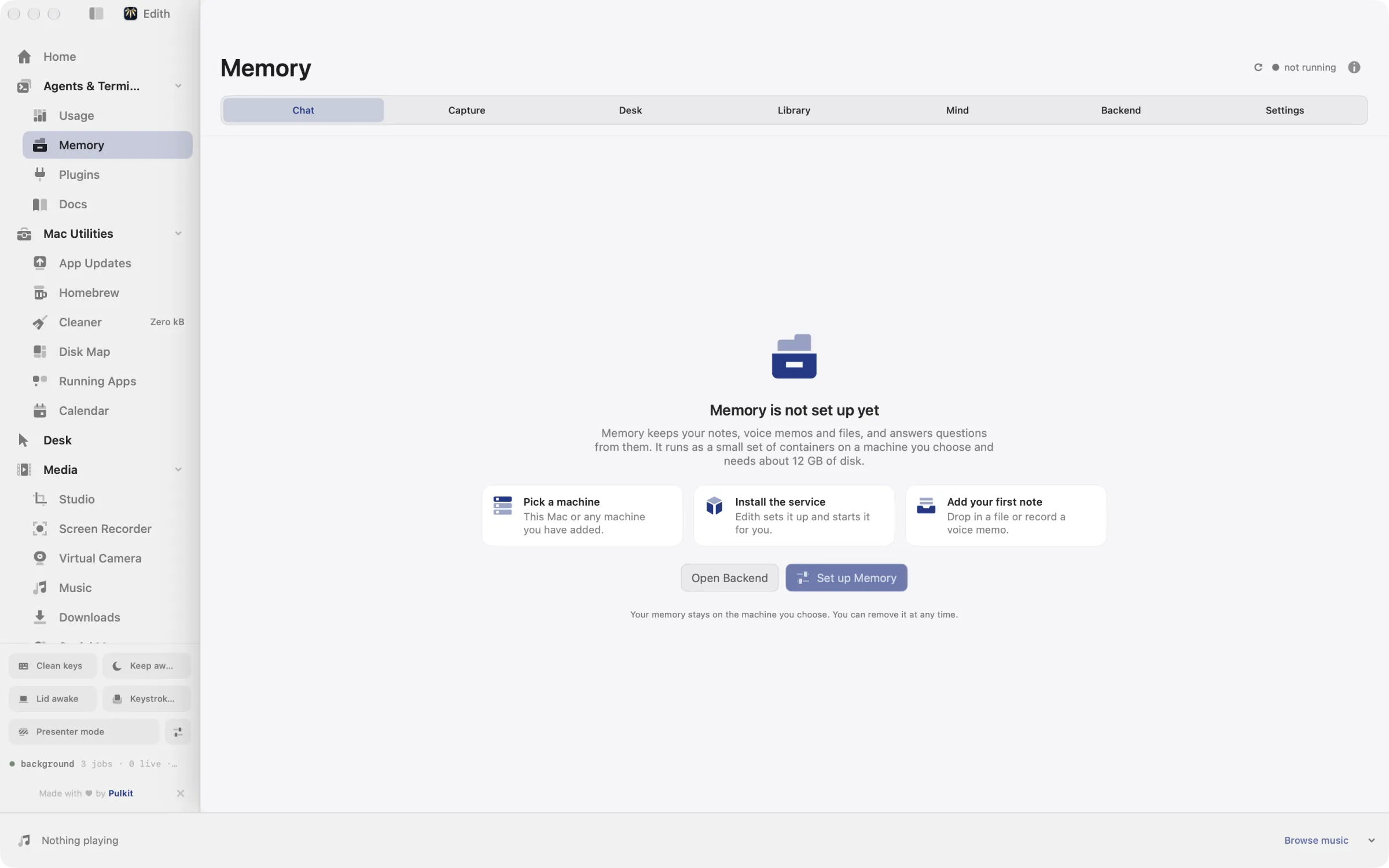
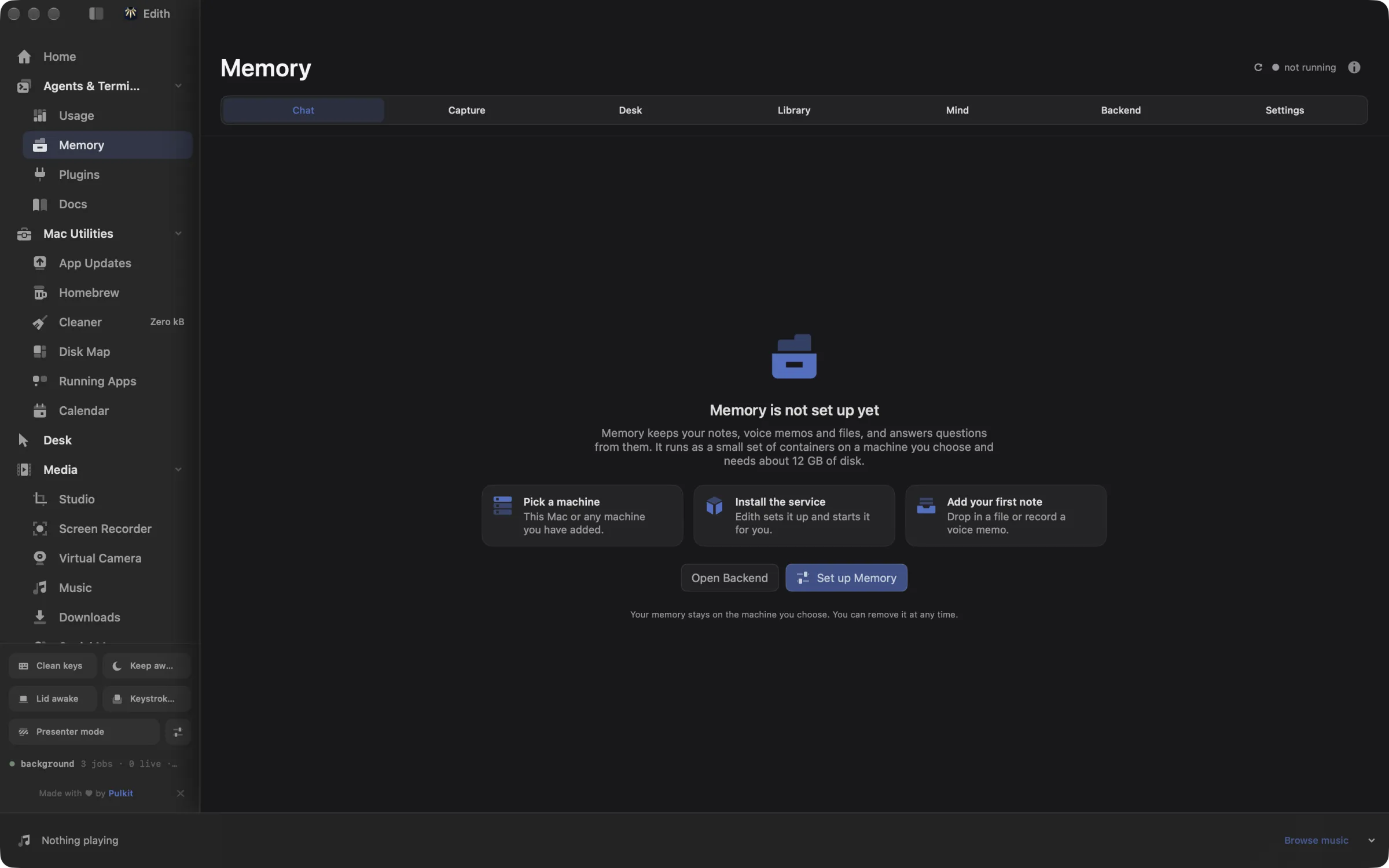
How to set up a private memory for your notes on Mac
- 1
Choose where it runs
Pick this Mac or one of your machines to host the memory service.
- 2
Add something to remember
Drop in notes, PDFs, photos or recordings, or capture a voice memo.
- 3
Ask a question
Chat answers from your own memory and shows the notes it used.
- 4
See what it learned
Mind shows beliefs and patterns it formed, which you can correct or forget.
What it does
Ask questions about your notes
Answers come from what you saved, with sources.
Does macOS do this already?
Can Spotlight or Apple Notes answer questions about my notes?
They can find them. Spotlight and the search field in Notes match the words in your notes and files, and Notes can find text inside scanned documents and images. Neither answers a question in a sentence with the sources behind it, and each only covers its own content. Memory pulls notes, recordings, images and PDFs into one store that you host, and answers from all of it.
Use cases
Capture a voice memo after a meeting
Record a two-minute summary in the Capture tab while it is fresh. Whisper transcribes it on your host, and a week later you can ask what the team agreed about the launch date and get the answer with that memo cited.
Search old PDFs by what they mean
Drop in contracts, papers or manuals, then search for the idea rather than the exact phrase. ed companion search roadmap runs the same hybrid search from the terminal and lists matching episodes.
Keep a running record of standups
ed companion standup record saves a daily standup, and ed companion standup report shows what they added up to over time. ed companion commitments lists what you said you would do and what happened.
Move the memory to a bigger machine
Start on your laptop, then move the deployment to a home server with more memory when the library grows. ed companion export writes a restorable bundle, and ed companion import brings it back on the new host.
From the terminal and your coding agents
Every example returns JSON with --json, and agents can call the same thing over MCP.
$ ed companion status
$ ed companion ask what did I decide yesterday?
$ ed companion search roadmap| Command | MCP tools |
|---|---|
ed companion | edith_companion_* |
Connect Claude Code, Codex, Cursor or another client through the Edith MCP server.
Permissions and requirements
Permissions
- Microphone, to record voice memos in Capture
- Keychain, for the Anthropic key and connector tokens you add
Requirements
- macOS 14 or later on Apple silicon
- Docker on the host, either this Mac or an SSH machine
- Disk space for five containers and their local models
- The Machines extension, to host the memory on another computer
Recent changes
Frequently asked questions
Where is my memory stored?
On the host you choose, in its Postgres container. The API listens only on that host's localhost, and when the host is another machine, Edith reaches it through an SSH port forward. If you switch reasoning to Anthropic, the text needed to answer a question is sent to Anthropic's API.
Do I need an AI subscription to use it?
No. The default setup reasons with a small model running in the bundled Ollama container, and transcription and image descriptions also run in containers on your host. An Anthropic API key is optional.
What can I add to it?
Notes, voice recordings, photos and other images, video and PDFs. ed companion ingest adds files from the terminal, and each item becomes an episode you can open, cite and delete.
Can my coding agent ask my memory questions over MCP?
Yes, when Memory is enabled. Its ed companion commands are tools in Edith's MCP server, such as edith_companion_ask for an answer from your memory and edith_companion_search for matching episodes. From a terminal, ed companion ask what did I decide yesterday? does the same.
How do I delete something I saved?
ed companion erase deletes one episode, its media and everything derived from it, and ed companion wipe deletes every episode, belief and conversation. You can also correct or forget individual beliefs in the Mind tab.
Is Memory included in Edith's one-time price?
Yes. Memory comes with every Edith license. You provide the machine it runs on, and an Anthropic API key only if you want to use one.
More in Agents & Terminal

Get Edith.
From $35 once. No subscription. No account.
Needs a license key · macOS 14 or later on Apple silicon · 6.4 MB