 Edith
App Updates
Update all your Mac apps and uninstall them cleanly
One list of every app with a newer version, and an uninstaller that takes the leftover files with it.
App Updates is an Edith extension that checks the apps on your Mac for newer versions across Homebrew, the Mac App Store and the apps' own update feeds, and removes apps together with the support files they leave in your Library folder.
Mac apps update in different ways. App Store apps update through the App Store, Homebrew casks through brew, and many independent apps through a built-in updater that only runs when you open them. Apps you rarely launch drift months out of date as a result. App Updates checks all of these sources and gives you one list of what is outdated, with release notes where the developer publishes them.
Updating respects how each app expects to be updated. Homebrew packages are upgraded directly, two at a time by default with an automatic retry if one fails. App Store apps open their App Store page, and apps with their own updater are opened so that updater can install the new version. You can ignore a specific version, snooze an update or exclude an app entirely, and a history keeps the results of recent runs. Checking never installs anything, and an optional automatic check can notify you when something new turns up.
Uninstalling goes further than dragging an app to the Trash. Edith finds the files that belong to the app by its bundle identifier, in Application Support, Caches, Preferences, Containers, Logs, saved application state and web storage, shows each one with its size, and moves the ones you leave ticked to the Trash. Apple's own apps and Edith are protected from removal. It can also install an app from a disk image after checking its code signature.
Updated
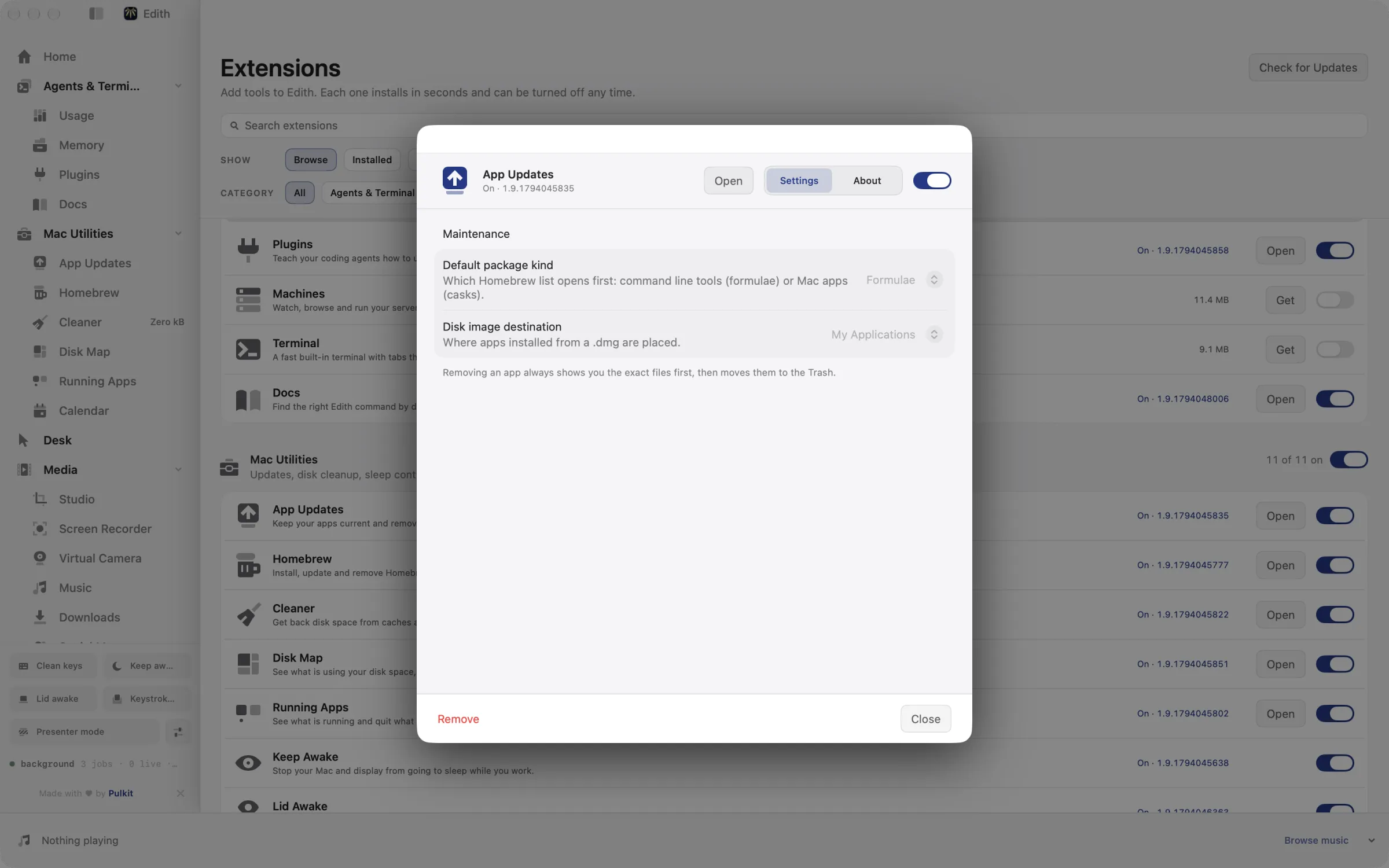
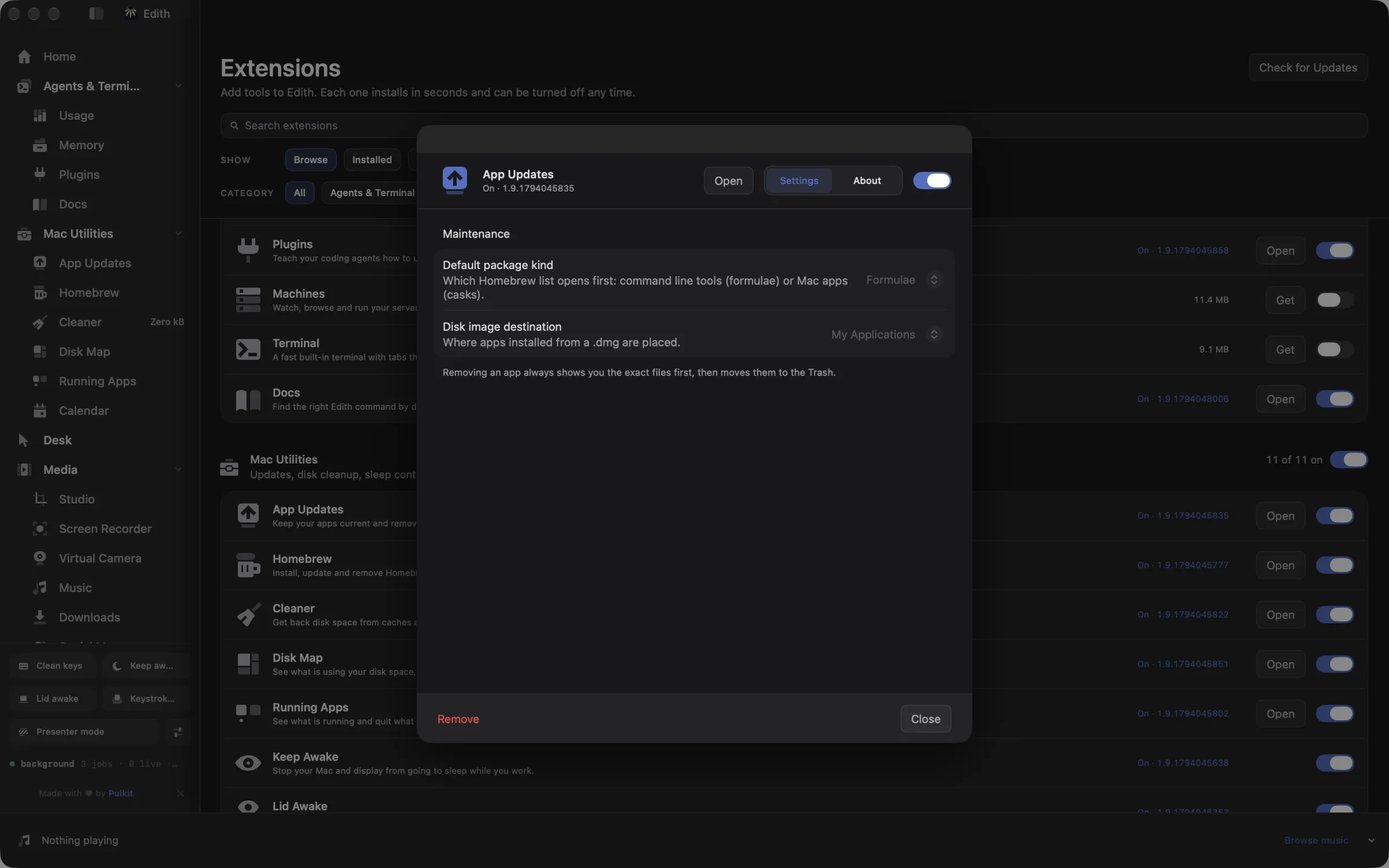
How to update all apps on a Mac at once
- 1
Check for updates
Edith lists apps with a newer version. Checking never installs anything.
- 2
Review and update
Read release notes and the exact command, then update the ones you tick.
- 3
Remove apps fully
Uninstall an app: untick any file to keep, and move the rest to the Trash.
What it does
Update your apps
See which apps have a newer version and update them together.
Uninstall an app completely
Remove an app along with the files it leaves behind.
Does macOS do this already?
Can a Mac update all of its apps by itself?
Only App Store apps. The App Store can update its own apps automatically and Software Update handles macOS, but apps installed from the web or with Homebrew update on their own schedules. Dragging an app to the Trash also leaves its support files behind in ~/Library. App Updates brings every update source into one list and removes those leftovers when you uninstall.
Use cases
A Monday morning update pass
Open App Updates, read the list, tick everything except the app you are in the middle of a project with, and let the Homebrew casks update in the background while the rest open their own updaters.
Remove a trial app completely
Scan the app first to see its preferences, caches and containers with their sizes, untick anything you might want later, and send the rest to the Trash in one step.
Install from a downloaded disk image
Hand Edith a .dmg and it verifies the app inside, installs it into the Applications folder in your home folder or the main one, whichever you choose, and can move the disk image to the Trash afterwards, so you skip the drag-and-eject routine.
From the terminal and your coding agents
Every example returns JSON with --json, and agents can call the same thing over MCP.
$ ed maintenance updates
$ ed maintenance update
$ ed maintenance scan Safari
$ ed maintenance history| Command | MCP tools |
|---|---|
ed maintenance | edith_maintenance_* |
Connect Claude Code, Codex, Cursor or another client through the Edith MCP server.
Permissions and requirements
Permissions
- Notifications, optional, if you turn on automatic checks and want to hear about new updates
Requirements
- macOS 14 or later on Apple silicon
- Homebrew to upgrade casks and formulae directly; the other sources work without it
- An internet connection to check for updates
Recent changes
Frequently asked questions
Which apps can App Updates update?
Apps installed with Homebrew are upgraded directly. Mac App Store apps open in the App Store so you can update them there, and apps that use Sparkle or their own update feed are opened so their updater can finish the job.
Does checking for updates install anything?
No. A check only reads versions and release notes. Nothing changes until you review the list and run the updates you ticked.
Does uninstalling remove the app's files in Library?
Yes, the ones that match the app's bundle identifier: support files, caches, preferences, containers, logs, saved state and web data. You see each item and its size first, and everything goes to the Trash so it can be restored.
Can I stop being offered one particular update?
Yes. Ignore that version, snooze it for a while, or exclude the app from updates altogether. ed maintenance reset clears all of those choices if you change your mind.
Can an agent run my app updates?
Yes. Through Edith's MCP server an agent can list updates with edith_maintenance_updates and run them with edith_maintenance_update, which previews the plan and waits for confirmation before installing anything.
Does App Updates need its own licence?
No. App Updates is included in Edith's one-time purchase, so updating and uninstalling apps costs nothing beyond Edith itself.
Guides
Compare and alternatives
- Edith vs Setapp: One App or a Subscription CatalogEdith vs Setapp for Mac: a monthly subscription to hundreds of separate apps, or one native app with a one-time price and CLI and MCP control.
- Edith vs CleanMyMac: Mac Cleanup Tools ComparedEdith vs CleanMyMac on Mac: malware checks and one-click cleanup on a subscription or license, or developer cache cleanup and updates in one app.
- DaisyDisk Alternative for Mac: Disk Map and CleanerA DaisyDisk alternative for Mac: map what fills your disk, then clear Xcode data, package caches and old git worktrees to the Trash. Part of Edith.
Used in
More in Mac Utilities

Get Edith.
From $35 once. No subscription. No account.
Needs a license key · macOS 14 or later on Apple silicon · 6.4 MB