 Edith
Menu Bar Stats
CPU and memory monitor for the Mac menu bar
Two small numbers next to the clock that tell you when your Mac is working hard.
Menu Bar Stats is an Edith extension that shows live CPU and memory percentages in the macOS menu bar, with a small panel of bars when you click the readout.
A fan spinning up or an app that suddenly stutters usually means something is busy on the processor or filling up memory, but macOS only shows that if you open Activity Monitor. Menu Bar Stats keeps the two numbers that matter most in view at all times, as a compact CPU and memory readout beside your other menu bar items. When one of them jumps you know to look closer, and when both are low you know the slowdown is somewhere else, such as the network or a single frozen app.
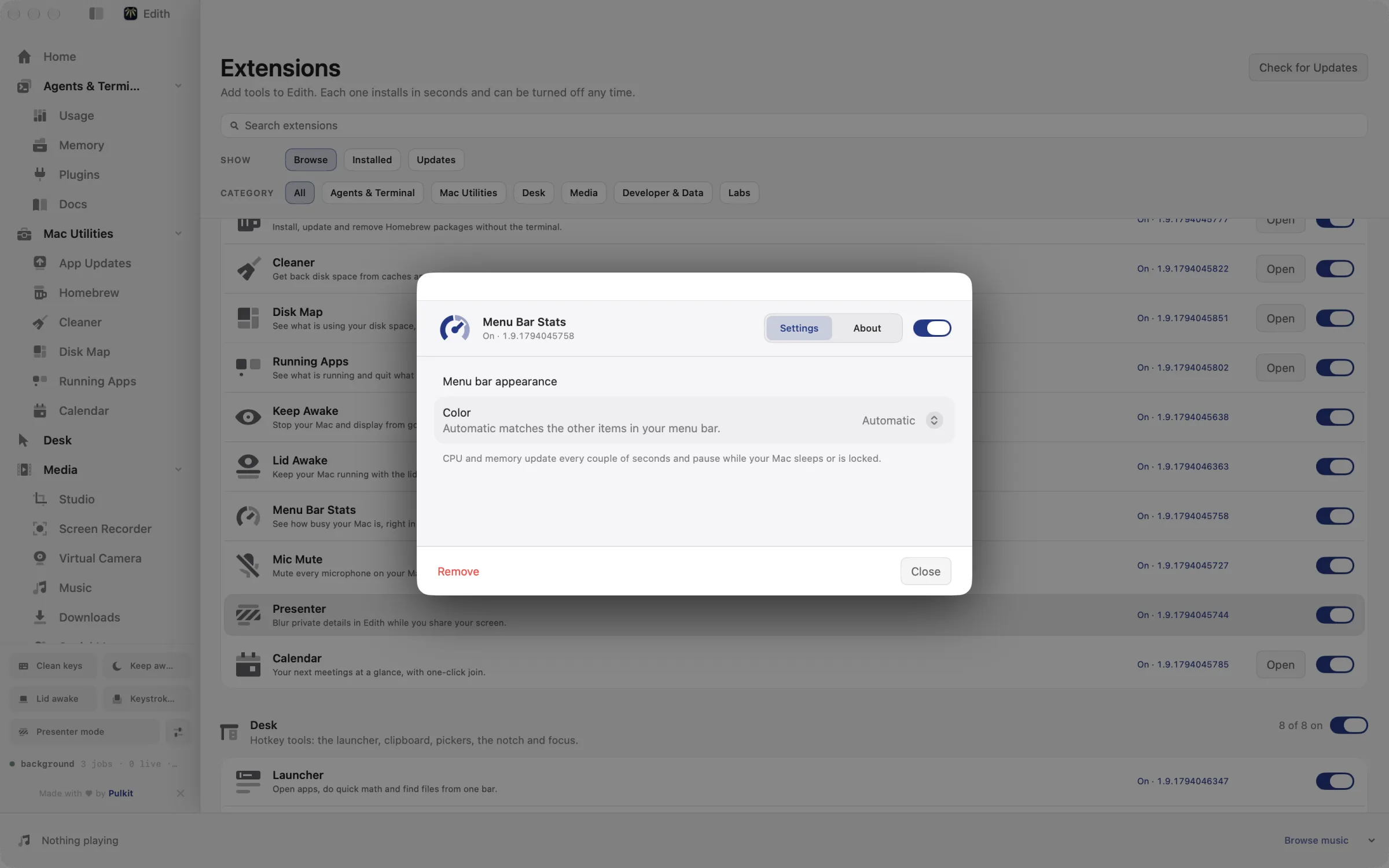
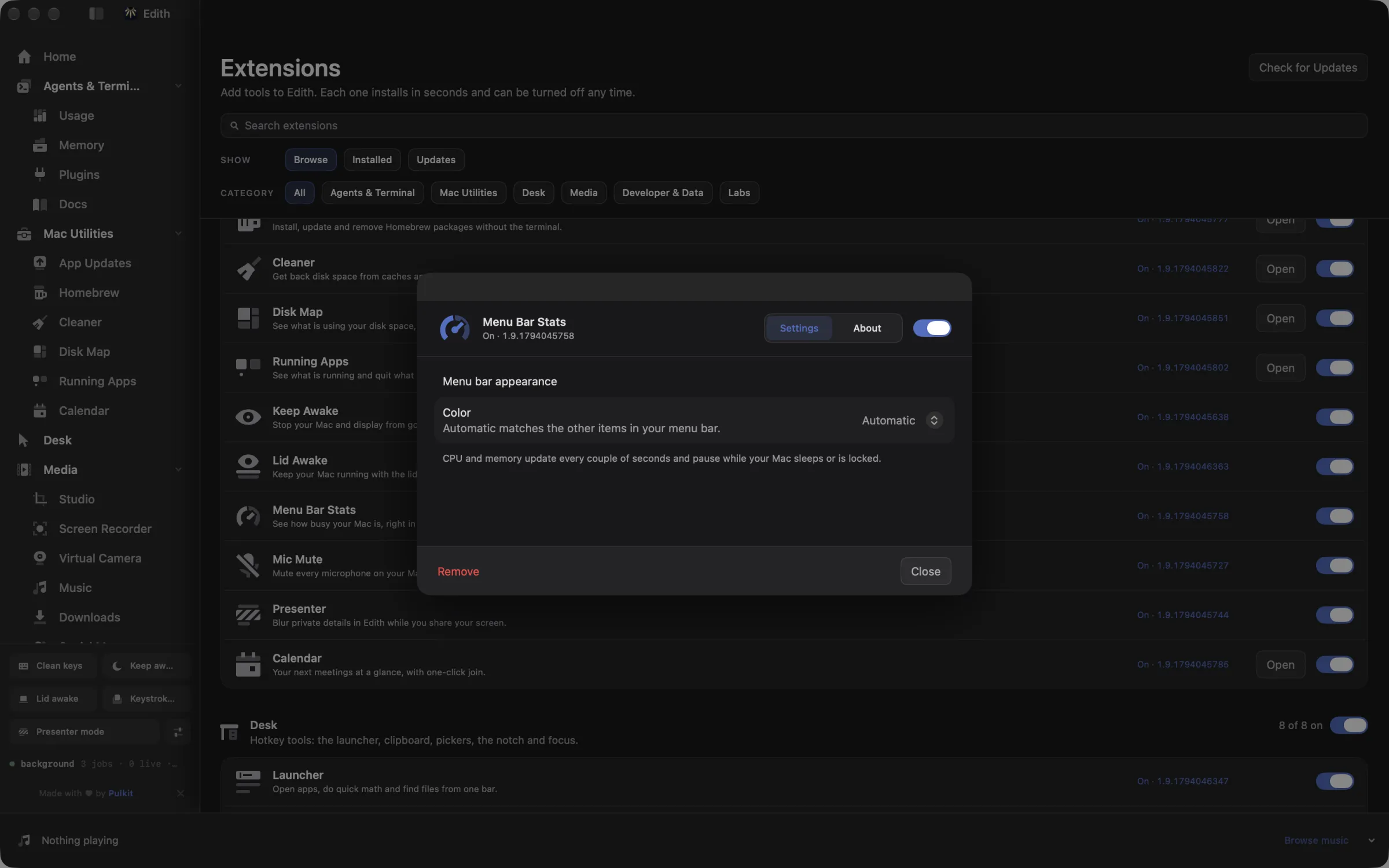
The readout refreshes every couple of seconds and stops sampling while the Mac is asleep or the screen is locked, so it is not spending energy when nobody is looking. Clicking it opens a panel with CPU and memory bars and a button that opens Edith. In settings you can let the color follow your menu bar automatically or set a custom one to match the rest of your setup.
The same sampler is available in the terminal. ed system stats prints CPU, memory, load and network for one moment; --follow keeps printing at an interval you choose, and --processes adds the busiest processes to each sample. ed system disks lists mounted volumes with their size and free space, which is handy in scripts and for coding agents that need to know whether a machine has room for a build.
Updated
How to show CPU usage in the Mac menu bar
- 1
Look at the menu bar
CPU and memory percentages appear next to your other menu bar items.
- 2
Click for details
A small panel shows CPU and memory bars and a button to open Edith.
- 3
Match your menu bar
Choose an automatic or custom color in settings.
What it does
Show CPU and memory in the menu bar
Live percentages next to your other menu bar items.
Does macOS do this already?
Does macOS show CPU usage in the menu bar?
Not out of the box. Activity Monitor shows full detail, and its Dock icon can draw a CPU graph if you choose View, Dock Icon, Show CPU Usage, but that needs Activity Monitor running and the Dock visible. Menu Bar Stats puts both CPU and memory in the menu bar as plain percentages, pauses while the screen is locked, and adds terminal commands for the same data.
Use cases
Spot a runaway process
If CPU sits near 100 percent while you are only reading email, something is stuck. Open Running Apps, sort by CPU and quit the culprit, then watch the menu bar number drop back.
Keep an eye on a build or an export
While Xcode compiles or a video renders, glance at CPU and memory in the menu bar instead of keeping Activity Monitor open on top of your work.
Log system load during a benchmark
Run ed system stats --follow --interval 5 --json and redirect it to a file. Each sample is one JSON line, so you can chart how a long job loads the machine afterwards.
From the terminal and your coding agents
Every example returns JSON with --json, and agents can call the same thing over MCP.
$ ed system stats
$ ed system disks| Command | MCP tools |
|---|---|
ed system | edith_system_* |
Connect Claude Code, Codex, Cursor or another client through the Edith MCP server.
Permissions and requirements
Permissions
- None. Reading CPU, memory and disk figures needs no macOS privacy permission.
Requirements
- macOS 14 or later on Apple silicon
Frequently asked questions
How often do the menu bar numbers update?
Every couple of seconds. Sampling pauses while the Mac sleeps or the screen is locked, and picks up again when you return.
What does the memory percentage include?
App memory, wired memory and compressed memory as a share of your physical RAM, which is close to how Activity Monitor counts Memory Used. File cache is left out, so the number does not look full just because macOS is caching files.
Can I see which app is using the CPU?
The menu bar shows totals only. For per-app figures, open Running Apps in Edith, or run ed system stats --processes 5 to list the five busiest processes with each sample.
Can a coding agent read these stats?
Yes. Edith's MCP server exposes the system command as tools such as edith_system_stats and edith_system_disks, so Claude Code or Codex can check CPU, memory and free disk space before starting heavy work. Both tools only read.
Can I change the color of the readout?
Yes. Choose automatic to follow the look of your menu bar, or custom and pick any color in the extension's settings.
Do I pay separately for Menu Bar Stats?
No. Menu Bar Stats is part of the extension catalog that comes with Edith's one-time purchase, so there is nothing else to buy or renew.
Compare and alternatives
- Edith vs Setapp: One App or a Subscription CatalogEdith vs Setapp for Mac: a monthly subscription to hundreds of separate apps, or one native app with a one-time price and CLI and MCP control.
- Edith vs CleanMyMac: Mac Cleanup Tools ComparedEdith vs CleanMyMac on Mac: malware checks and one-click cleanup on a subscription or license, or developer cache cleanup and updates in one app.
More in Mac Utilities

Get Edith.
From $35 once. No subscription. No account.
Needs a license key · macOS 14 or later on Apple silicon · 6.4 MB