 Edith
Running Apps
See running apps and their memory use on Mac
Find the app that is slowing your Mac down, then quit it, or everything else, in one go.
Running Apps is an Edith extension that lists the apps open on your Mac with their processor and memory use, and lets you quit one of them or all of them at once.
When a Mac feels slow, the first question is which app is to blame. Activity Monitor can answer it, but regular apps are buried among hundreds of background processes and system services. Running Apps shows only the apps you actually opened, the ones with a Dock icon, each with its current CPU percentage and how much memory it holds. Sort by CPU or memory and the heaviest app rises to the top, while a summary shows how many apps are running and how much memory they use between them.
Quitting is polite by default. Edith asks each app to quit the normal way, so an app with unsaved work shows its own save dialog instead of losing your document. Quit other apps closes everything except Finder and Edith after one confirmation, which is useful before a presentation, before installing an update that wants other apps closed, or at the end of a long day when you want a clean start tomorrow.
In the terminal, ed apps ls prints the same table with process IDs and bundle identifiers, and ed apps quit takes an app name or a bundle ID. Nothing quits until you add --yes; without it you get the exact plan of what would close. For an app that has stopped responding there is --force, which works like Force Quit.
Updated
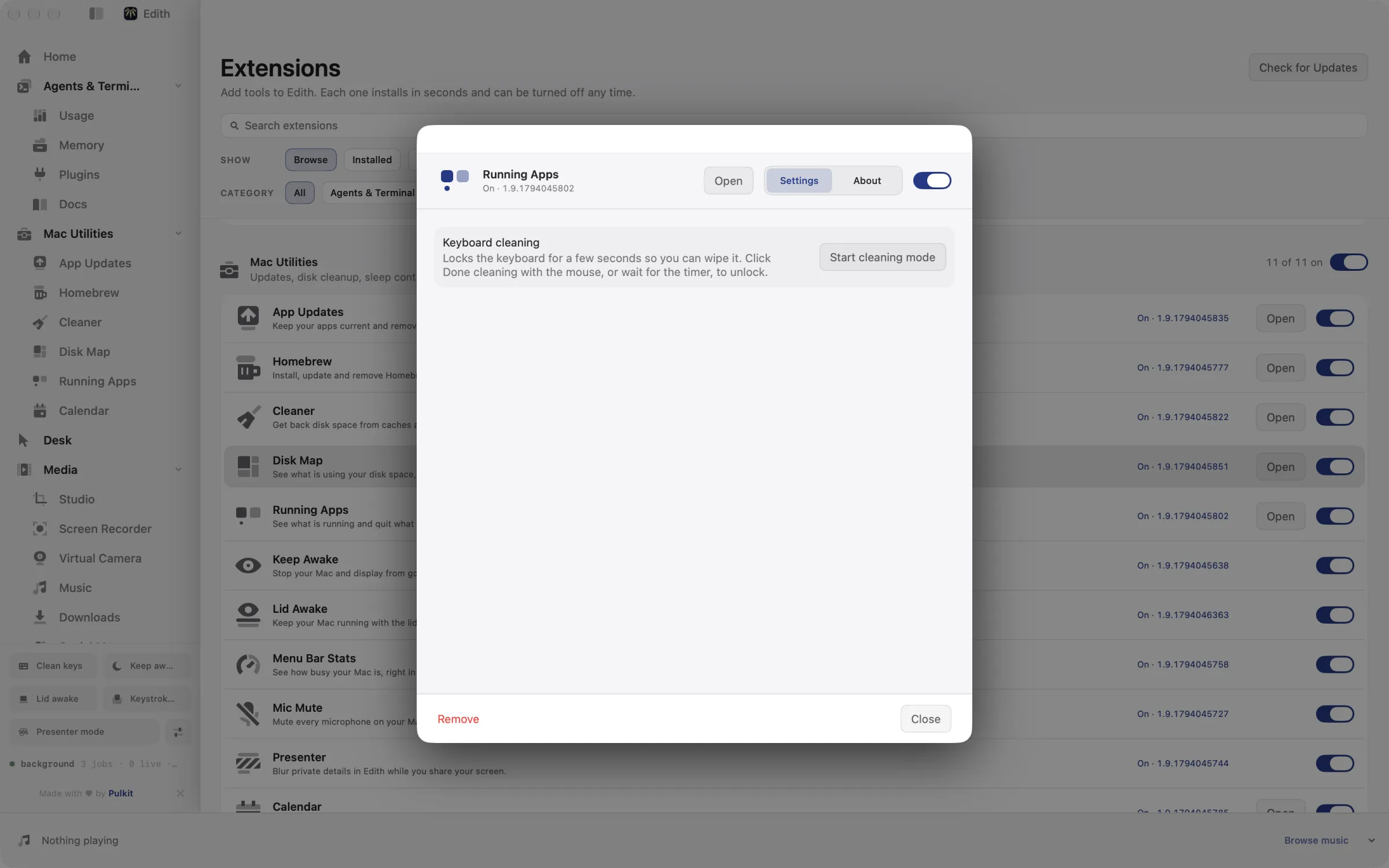
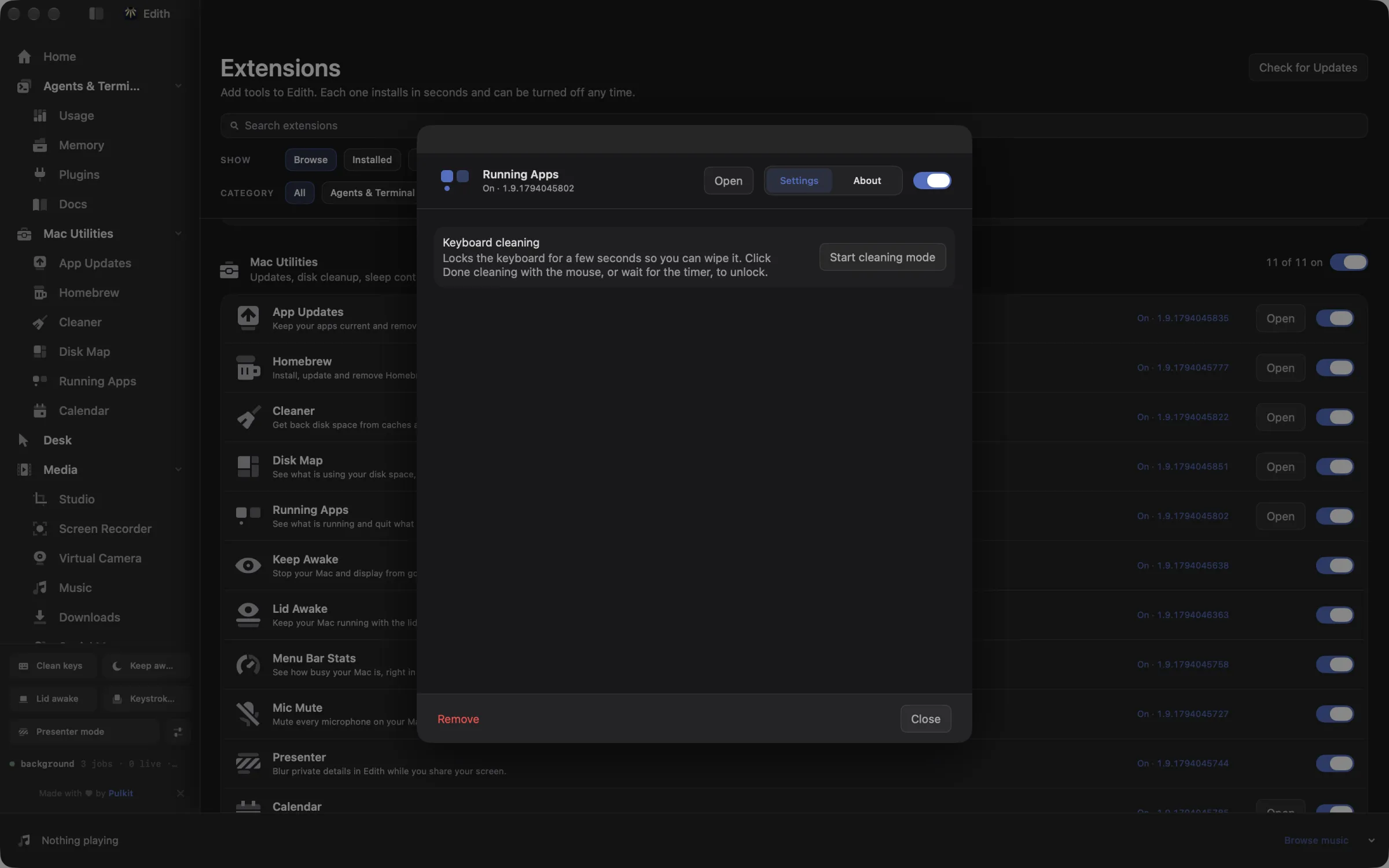
How to see which apps are running and quit them on Mac
- 1
See what is using resources
Sort by CPU or memory to find the heaviest apps.
- 2
Quit what you do not need
Apps with unsaved work ask before closing. Finder and Edith always stay open.
What it does
Quit apps that slow your Mac
See processor and memory use per app and quit what you do not need.
Does macOS do this already?
Can I see running apps without Activity Monitor?
macOS has two tools for this. The Force Quit Applications window (Option-Command-Escape) lists open apps but shows no resource use and can only force quit, and Activity Monitor shows CPU and memory for every process on the system, apps and background services mixed together. Running Apps sits between the two: only real apps, with CPU and memory, a normal quit that respects unsaved work, and one Quit other apps button that spares Finder and Edith.
Use cases
Free memory before a heavy task
Before exporting a long video or opening a large Xcode project, sort by memory and quit the two or three apps holding the most, often a browser with dozens of tabs or a design tool you finished with hours ago.
Clear the screen before sharing it
Quit other apps closes chat apps, mail and anything else that might pop up during a call, while Finder and Edith keep running. Apps with unsaved changes still ask before they close.
Script a clean slate
Put ed apps quit --all --yes in a shell alias for the end of the day, or run ed apps quit Slack --yes before a block of focused work.
From the terminal and your coding agents
Every example returns JSON with --json, and agents can call the same thing over MCP.
$ ed apps ls
$ ed apps quit Safari
$ ed apps quit --all --yes| Command | MCP tools |
|---|---|
ed apps | edith_apps_* |
Connect Claude Code, Codex, Cursor or another client through the Edith MCP server.
Permissions and requirements
Permissions
- None. Listing and quitting apps needs no extra macOS permission.
Requirements
- macOS 14 or later on Apple silicon
Recent changes
- FixedKeyboard cleaning shows up in settings again.v1.0.13,
Frequently asked questions
Why is an app missing from the list?
Running Apps lists regular apps, the ones that appear in the Dock. Menu bar utilities and background helpers are left out on purpose; Activity Monitor shows those.
Will quitting all apps lose my unsaved work?
No. Edith asks each app to quit normally, so apps with unsaved documents show their usual save prompt. Only the --force option in the terminal skips that step.
How is the CPU figure measured?
Edith reads each app's processor time twice, a moment apart, and shows the share it used in between. The number reflects what the app is doing right now rather than an average since it launched.
Can an AI agent quit apps for me?
Yes. Edith's MCP server provides edith_apps_ls to read the list and edith_apps_quit to close apps. A quit request is previewed first and only carried out after the agent confirms it.
Why do Finder and Edith stay open?
Finder is part of macOS and is meant to stay running, and quitting Edith would stop the tool doing the quitting. Both are skipped by Quit other apps and by ed apps quit --all.
Is Running Apps included when I buy Edith?
Yes. Running Apps is one of the extensions included in Edith's one-time purchase, alongside the rest of the Mac utilities.
Compare and alternatives
Used in
More in Mac Utilities

Get Edith.
From $35 once. No subscription. No account.
Needs a license key · macOS 14 or later on Apple silicon · 6.4 MB