 Edith
Presenter
Hide private info in Edith while screen sharing
Blur private details in Edith while you share your screen.
Presenter is an Edith extension that blurs private details inside Edith, such as cost figures, usage, music, calendar events and agent titles, while you share your screen or record it. Apps outside Edith are never changed.
Edith shows a lot of personal information in one window: what you spent on coding agents, your schedule, the track you are playing, machine names, database rows. That is fine on your own screen and awkward on a call. Presenter places a blur over those details where they sit, across Edith's pages and cards, while the layout stays the same, so you can still show how things work. Turn presenter mode off and everything is readable again.
You decide what counts as private, one category at a time: music, cost figures, usage percentages, calendar events, agents and their terminals, Attention activity, the virtual camera picture, Studio files, database connections and rows, memory notes, machines, review sessions, site audits, running apps and Shelf files. Hide menu bar numbers also removes Edith's usage percentages from the menu bar while you present.
Auto presenter mode turns on by itself when it detects a share: screen sharing in Zoom, Google Meet, Teams, FaceTime, Webex, Slack huddles or Discord, QuickTime and ⇧⌘5 screen recordings, macOS Screen Sharing sessions, and mirroring to a projector, TV or AirPlay. ⌥⇧⌘P forces it on or off when detection guesses wrong, and switching it off during a detected share keeps it off until that share ends. Presenter only covers Edith. A browser tab or chat window you share is shown as usual, so close those yourself.
Updated
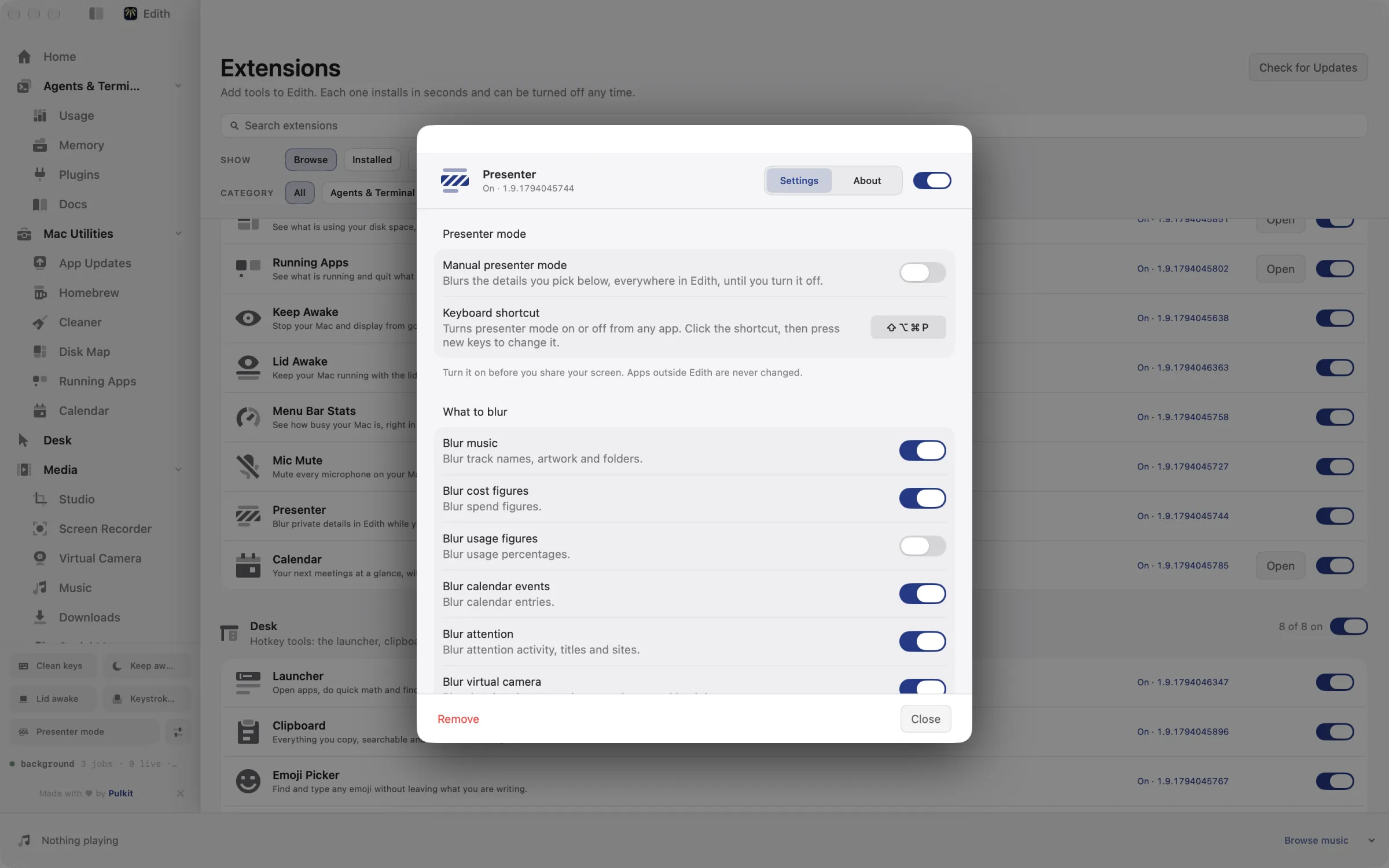
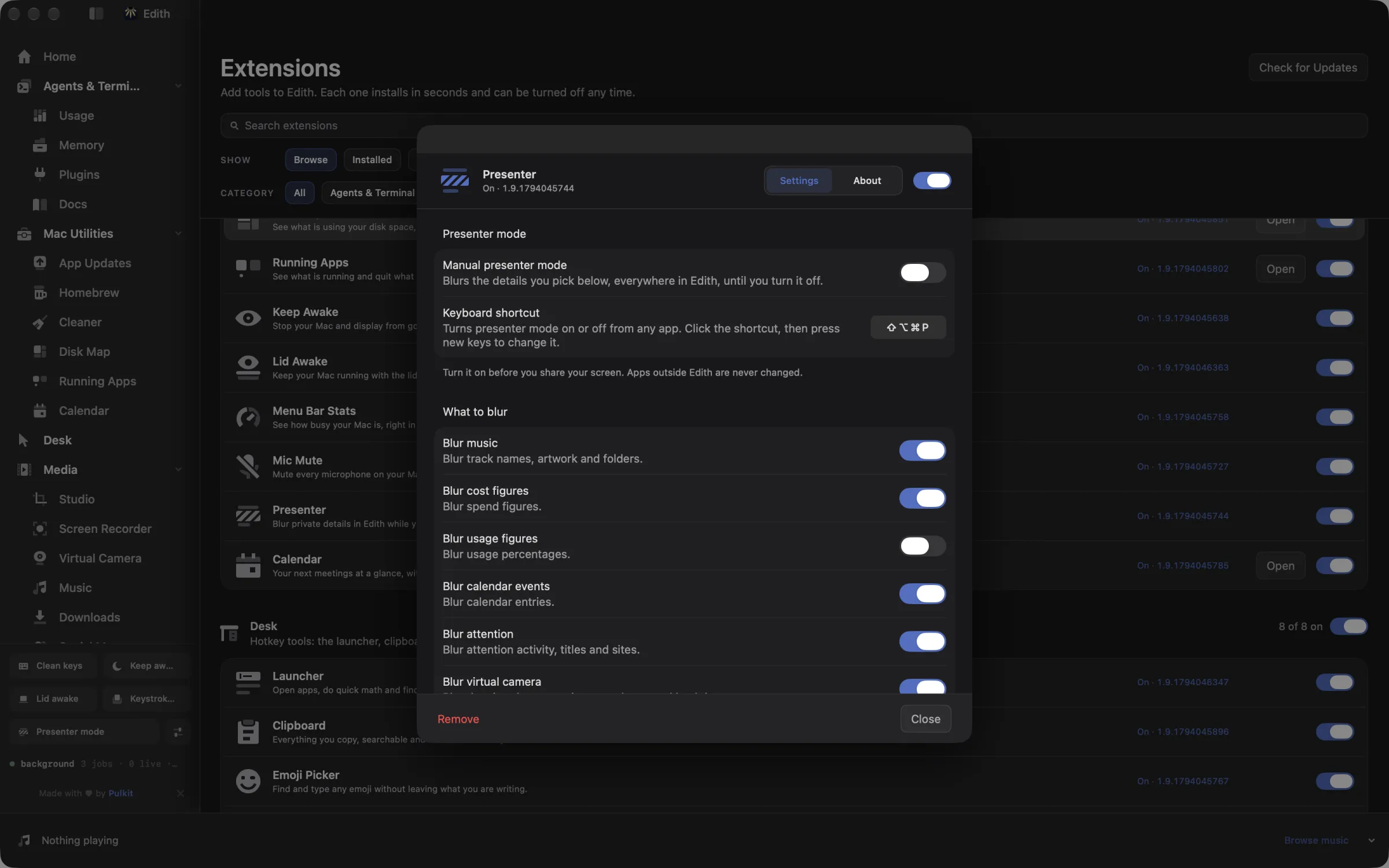
How to blur private details in Edith before you share your screen
- 1
Choose what to blur
Pick the kinds of private details to hide in Presenter settings.
- 2
Let it detect sharing
Turn on auto detection and it blurs when a screen share or recording starts.
- 3
Force it on or off
Use the shortcut or the Presenter card any time, for example when detection guesses wrong.
Keyboard shortcut
| Shortcut | Action | What it does |
|---|---|---|
| ⌥⇧⌘P | Presenter mode | Forces presenter blur on or off |
Works from any app. You can record a different shortcut in Edith's settings.
What it does
Hide private details while sharing
Blur costs, music, events and agents inside Edith.
⌥⇧⌘PDoes macOS do this already?
Does macOS hide private information when screen sharing?
Only notifications. System Settings > Notifications can block alerts while you mirror or share your display, and most call apps let you share a single window instead of the whole screen. Neither changes what is shown inside an app window. Presenter blurs the private fields inside Edith while the rest of the window stays readable, and it can turn on by itself when a share starts.
Use cases
Demo Edith on a team call
Open the Usage page in a Zoom meeting to show how rate-limit tracking works. Presenter has already blurred the dollar amounts and usage percentages, so you can walk through the page without tidying it up first.
Record a tutorial without showing your schedule
Turn on Detect screen recordings and start a ⇧⌘5 recording. Calendar events, the music you are playing and agent titles blur once the recording is detected. If you need them hidden from the very first frame, press ⌥⇧⌘P before you hit record.
Present on a meeting room screen
With Count mirrored displays on, mirroring your Mac to a projector or an AirPlay TV counts as a share, so machine names in Machines and rows in Database stay blurred while the room watches.
From the terminal and your coding agents
Every example returns JSON with --json, and agents can call the same thing over MCP.
$ ed presenter status
$ ed presenter start
$ ed presenter stop| Command | MCP tools |
|---|---|
ed presenter | edith_presenter_* |
Connect Claude Code, Codex, Cursor or another client through the Edith MCP server.
Permissions and requirements
Permissions
- Screen Recording, optional, so automatic detection can read window titles; without it detection falls back to app and window position
- No permission is needed to turn presenter mode on by hand
Requirements
- macOS 14 or later on Apple silicon
- Blurring applies inside Edith only; other apps are never changed
Recent changes
Frequently asked questions
Does Presenter blur other apps or my whole screen?
No. Presenter changes only what Edith draws. Your browser, chat apps, terminal windows outside Edith and the desktop are shared exactly as they are, so close or hide anything private in those yourself.
Which screen sharing apps does it detect?
Screen shares in Zoom, Google Meet in Chrome, Safari, Arc, Firefox, Edge or Brave, Microsoft Teams, FaceTime, Webex, Slack huddles and Discord. QuickTime and ⇧⌘5 recordings, macOS Screen Sharing and Remote Management sessions, and mirrored displays are separate triggers you can switch on or off.
Does share detection send anything off my Mac?
Not by default. An optional Ask Jev setting, off unless you turn it on, sends the owner, title and size of up to 25 on-screen windows to the TypeSafe Jev service when no built-in rule matches during a call. With it off, detection relies only on the rules built into Presenter.
How do I force presenter mode off when detection is wrong?
Press ⌥⇧⌘P or use the Presenter card. If you turn it off while a share is detected, auto mode stays paused until that share ends, then works normally again.
Can an agent switch presenter mode on?
Yes. ed presenter start, stop and status are available over MCP as edith_presenter_start, edith_presenter_stop and edith_presenter_status, so an agent can turn the blur on before it takes a screenshot of Edith or opens a page you are about to share.
Is Presenter included in Edith's one-time price?
Yes. Presenter is one of Edith's utilities and costs nothing beyond the single Edith purchase.
Guides
Used in
More in Mac Utilities

Get Edith.
From $35 once. No subscription. No account.
Needs a license key · macOS 14 or later on Apple silicon · 6.4 MB