 Edith
Calendar
Next meeting and one-click join on Mac
Your next meetings at a glance, with one-click join.
Calendar is an Edith extension that reads upcoming events from the macOS Calendar app and shows them on Edith's Home, on its own page and in the notch, with a Join button for meetings that have a call link.
Calendar reads every calendar you already have in the Calendar app, which covers iCloud, Google, Microsoft Exchange and any other account added in System Settings > Internet Accounts. Events are grouped by day, starting with the next 14 days, and you can load more, up to about four months ahead. It only reads: it never creates, moves or deletes an event.
The part you will use most is the Join button. Calendar looks for a meeting link in each event's URL, location and notes, and recognizes Zoom, Google Meet, Microsoft Teams, Webex, Whereby, Jitsi Meet, Amazon Chime, GoTo Meeting, BlueJeans and 8x8 links. Click Join and the link opens in the matching app or your browser. Events with a place get a Directions button that opens Apple Maps.
Ten minutes before a meeting starts it appears in the notch with a countdown, then shows Now once it has begun. Calendar does not add its own menu bar icon; the notch sits in the same strip at the top of the screen and takes the place of one. It helps most on days of back-to-back calls, especially when the meeting link is buried halfway down a long invitation.
Updated
How to join your next meeting in one click on Mac
- 1
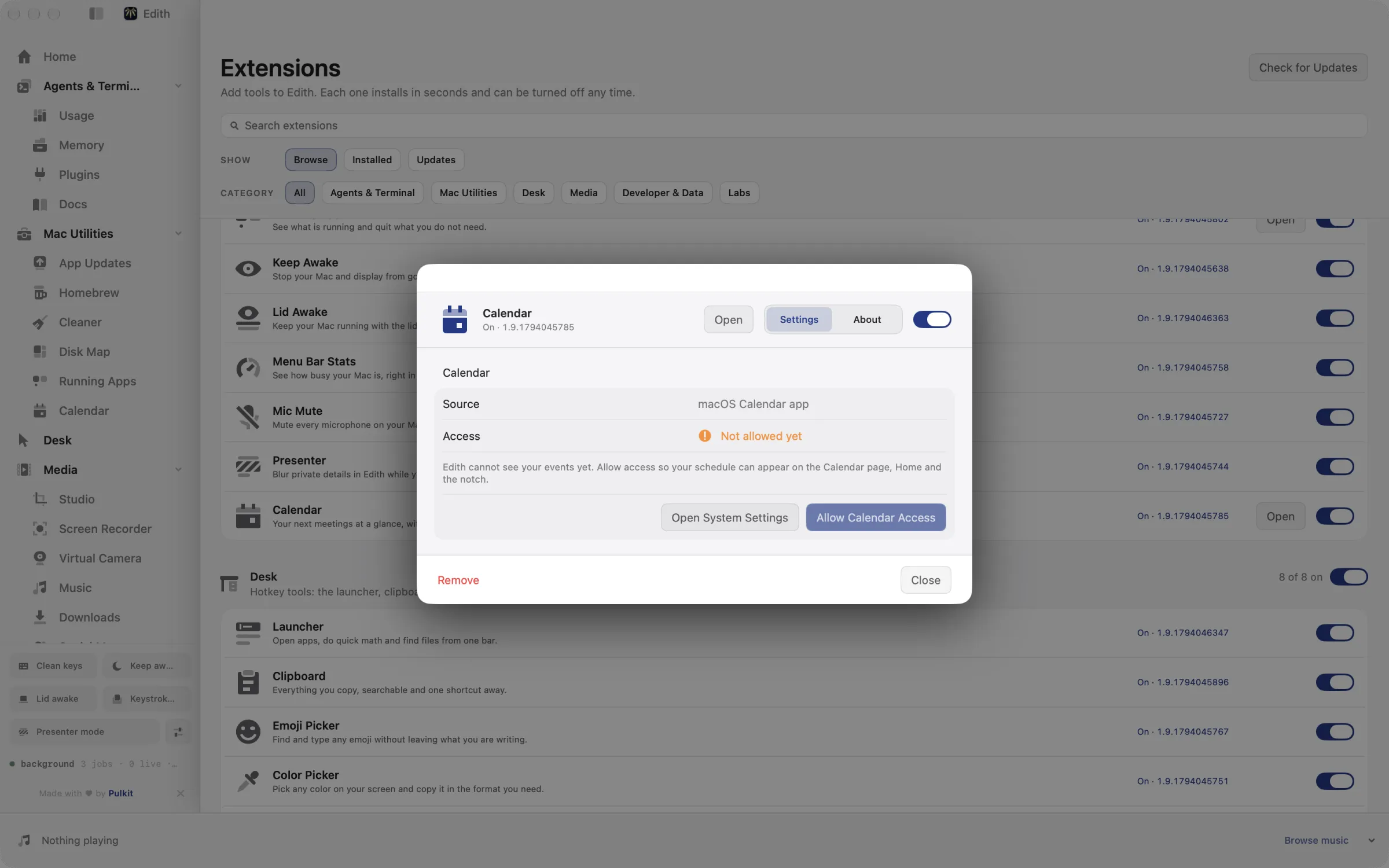
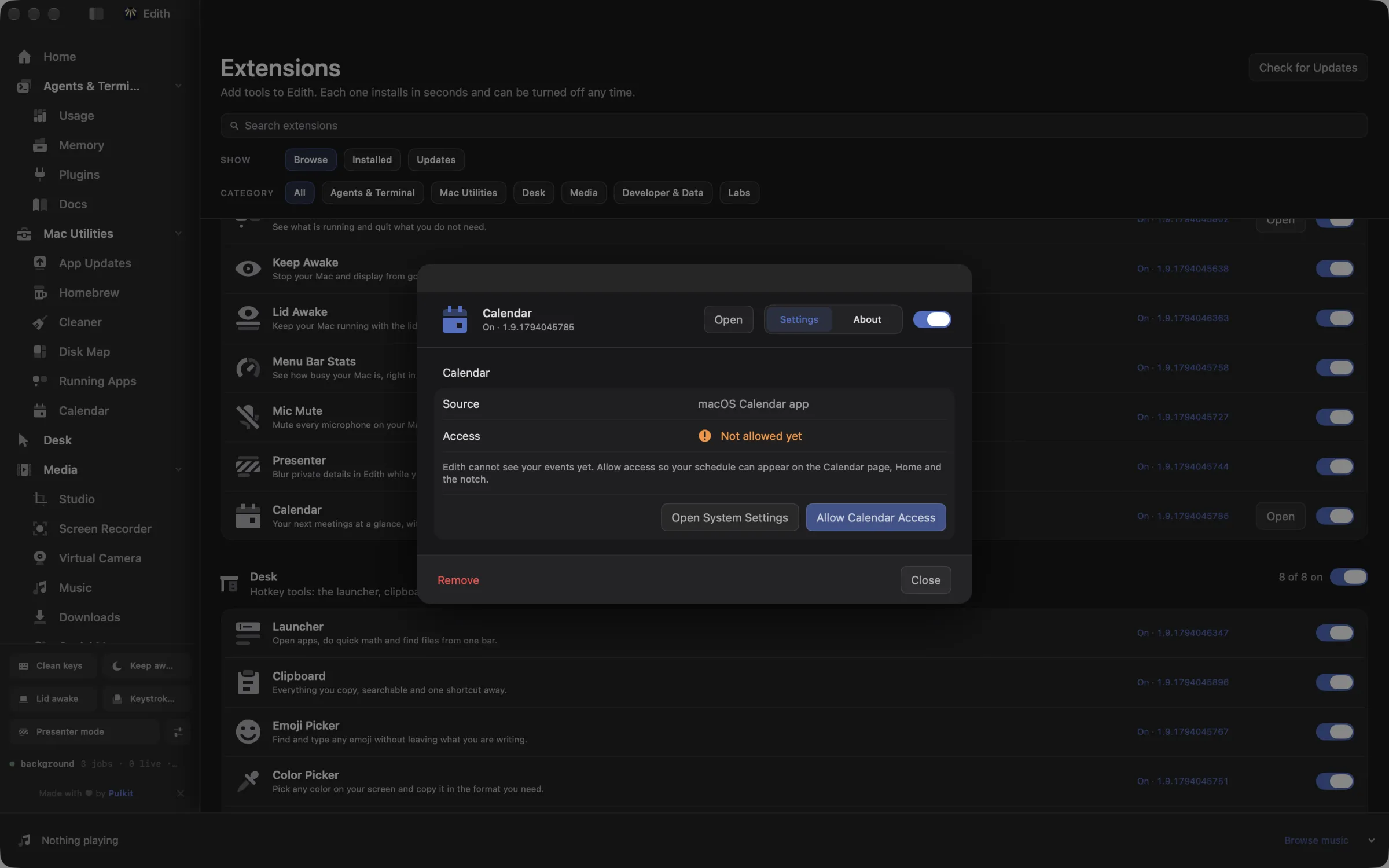
Allow calendar access
Click Allow Calendar access and choose Allow Full Access when macOS asks.
- 2
See what is next
Events from every calendar in the Calendar app are grouped by day.
- 3
Join or get directions
Meetings with a call link show Join, and events with a place show Directions.
What it does
See your next meeting
Upcoming events from the Calendar app, grouped by day.
Join a call in one click
Meetings with a call link show a Join button.
Does macOS do this already?
Can I see my next meeting on a Mac without opening Calendar?
Somewhat. Calendar notifications remind you before events, and the Calendar widget in Notification Center or on the desktop lists what is coming up. Neither pulls the call link out of an invitation, so joining still means opening the event and finding the URL. Edith's Calendar adds one-click Join for the common call services, a countdown in the notch and a read-only agenda inside Edith.
Use cases
Find the link in a long invitation
Invitations from other companies often hide the call link under dial-in numbers and legal text. Calendar pulls the link out, so joining is one click from Home or the notch instead of a hunt through the event notes.
Wrap up before the next call
The notch countdown starts ten minutes out, which leaves time to finish a sentence, commit your work and refill your coffee before the next meeting begins.
Join from the terminal or a keyboard tool
ed calendar ls lists upcoming events as Edith sees them, and ed calendar join with an event opens its meeting link. Wire that into a launcher or a shell alias and joining a call never needs the mouse.
Get to an in-person meeting on time
Events with an address show Directions, which opens Apple Maps with the location already filled in, so you can check travel time before you leave.
From the terminal and your coding agents
Every example returns JSON with --json, and agents can call the same thing over MCP.
$ ed calendar ls
$ ed calendar join <event>
$ ed calendar directions <event>| Command | MCP tools |
|---|---|
ed calendar | edith_calendar_* |
Connect Claude Code, Codex, Cursor or another client through the Edith MCP server.
Permissions and requirements
Permissions
- Calendars, with Full Access. macOS asks once, and the extension only reads events, never changes them
Requirements
- macOS 14 or later on Apple silicon
- Your calendar accounts added to the Calendar app, which is where events are read from
- Edith's notch turned on, for the meeting countdown
Recent changes
Frequently asked questions
Which calendars does it support?
Any calendar that shows up in the macOS Calendar app: iCloud, Google, Exchange, CalDAV and subscribed calendars. Add an account in System Settings > Internet Accounts and its events appear in Edith too.
Which video call links get a Join button?
Zoom, Google Meet, Microsoft Teams, Webex, Whereby, Jitsi Meet, Amazon Chime, GoTo Meeting, BlueJeans and 8x8. The link can be in the event's URL field, its location or its notes.
Does it show my next meeting in the menu bar?
Not as a separate menu bar icon. Ten minutes before a meeting it appears in the notch at the top of the screen with a countdown. On a Mac without a notch, or on an external display, turn on Show on displays without a notch in Edith's Notch settings.
Why does it ask for full calendar access?
Since macOS 14, apps can ask either to add events only or for full access, and reading existing events needs full access. Calendar uses that access to read your schedule and has no feature that edits or deletes events.
Can Claude Code read my calendar through Edith?
If you connect Edith's MCP server, yes. edith_calendar_ls returns upcoming events from the running app, and edith_calendar_join and edith_calendar_directions open a meeting link or directions. Your agent can then answer questions like what your next call is, or join it for you.
Does the one-time Edith licence include Calendar?
It does. Calendar comes with Edith, and the same single purchase unlocks it alongside every other extension.
More in Mac Utilities

Get Edith.
From $35 once. No subscription. No account.
Needs a license key · macOS 14 or later on Apple silicon · 6.4 MB