 Edith
Cleaner
Clear Xcode caches and developer junk on Mac
Find the space that builds, package managers and old worktrees leave behind, and move it to the Trash after you review it.
Cleaner is an Edith extension that scans your Mac for developer caches, Xcode data, project build output and unused git worktrees, then moves what you select to the Trash so it can be restored.
Developer machines fill up in predictable places. Xcode keeps DerivedData, device support files, previews and simulator caches. npm, Yarn, pnpm, Bun, pip, uv, Cargo, Go, Gradle and Homebrew each keep their own download caches. Every JavaScript project has a node_modules folder, and coding agents leave git worktrees behind long after their branch is merged. None of it is lost work, but together it takes a lot of space. Cleaner knows where dozens of these tools keep their files and adds them up for you.
A scan only reads. Results are grouped by category with their sizes, each category opens to show every item, and anything you want to keep can be unticked. Riskier categories such as Xcode archives start unticked, because archives hold release builds and debug symbols you may still need, and project folders and worktrees also wait for you to tick them. When you clean, items move to the Trash instead of being deleted, so you can put anything back until you empty it.
Add your code folders and Cleaner also sweeps projects for build output: node_modules, Next.js and Vite caches, Rust target folders, Python virtualenvs, SwiftPM .build folders and more, using project markers such as a package.json beside a .next folder so it does not guess. Worktrees are listed with their branch and whether they have uncommitted changes, unpushed commits or are already merged, and the terminal skips worktrees with uncommitted changes unless you pass --include-dirty.
Updated
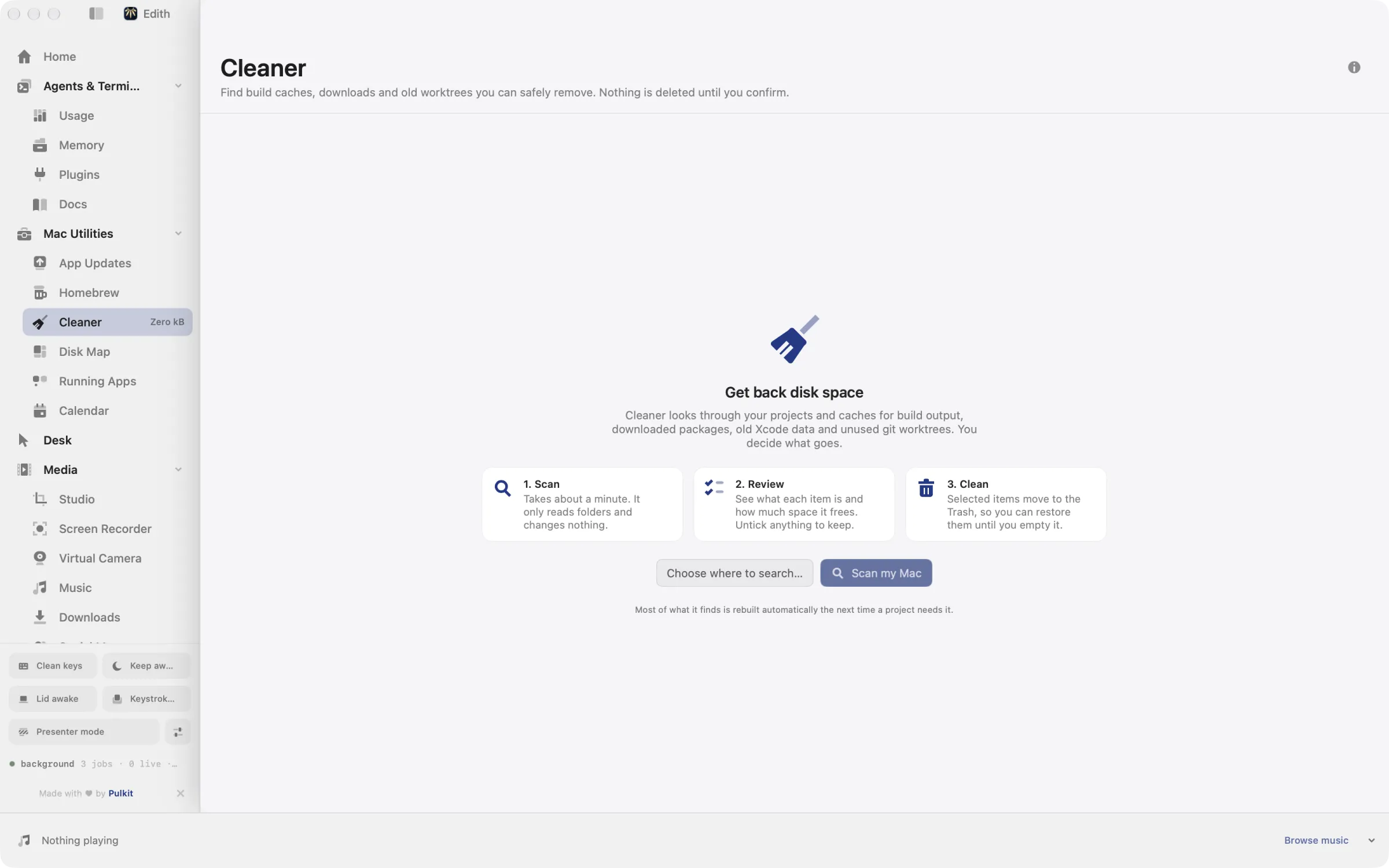
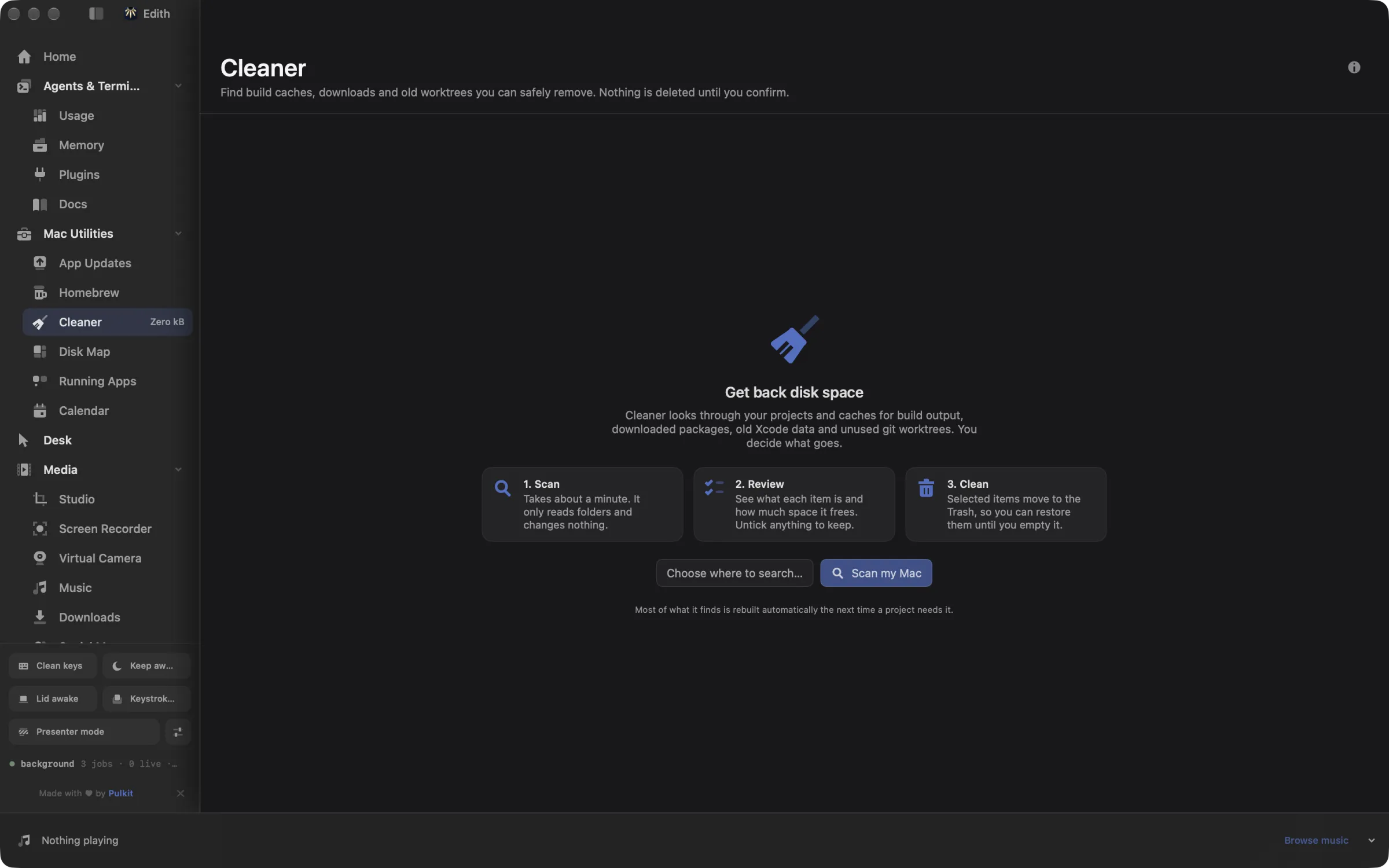
How to clear Xcode caches and free up disk space on Mac
- 1
Scan your Mac
Pick where to search. A scan only reads folders and never changes anything.
- 2
Review what it found
Open a category to see every item, and untick anything you want to keep.
- 3
Move it to the Trash
Confirm once, then restore anything from the Trash until you empty it.
What it does
Free up disk space
Find caches, old Xcode data and leftovers, then move them to the Trash.
Remove unused git worktrees
Find worktrees you no longer use and move them to the Trash.
Does macOS do this already?
Can macOS clear developer caches by itself?
Partly. System Settings, General, Storage shows a Developer category where you can delete Xcode caches and build files, and Storage can empty the Trash automatically. It knows nothing about npm, pnpm, Cargo, Gradle or pip caches, project node_modules folders or leftover git worktrees. Cleaner covers those as well, shows every item before it acts, and sends everything to the Trash instead of deleting it on the spot.
Use cases
Make room before an Xcode update
Xcode updates need plenty of free space. Clear DerivedData, old device support files and simulator caches first; Xcode rebuilds whatever it needs on the next build.
Tidy up after agent worktrees
Worktrees created by Claude Code, Codex, Cursor or Conductor inside .claude, .codex, .cursor or .conductor folders are found and labelled as merged or not. ed cleaner clean --root ~/code --category worktrees --older-than 2w --yes limits the clean to ones untouched for two weeks.
Clear old node_modules across projects
Run ed cleaner scan --root ~/code --category nodeModules --older-than 3mo to list dependency folders in projects you have not touched for three months, then run the same line with clean and --yes. Running install again restores any project you come back to.
From the terminal and your coding agents
Every example returns JSON with --json, and agents can call the same thing over MCP.
$ ed cleaner scan
$ ed cleaner categories
$ ed cleaner drives
$ ed cleaner clean --yes| Command | MCP tools |
|---|---|
ed cleaner | edith_cleaner_* |
Connect Claude Code, Codex, Cursor or another client through the Edith MCP server.
Permissions and requirements
Permissions
- No macOS privacy permission is needed to scan the caches in your home folder
Requirements
- macOS 14 or later on Apple silicon
- Git, for worktree details such as merged or unpushed
Recent changes
Frequently asked questions
Is it safe to delete DerivedData and package caches?
Yes, for the categories Cleaner selects by default. They are rebuilt or downloaded again when needed, which only costs time on the next build or install. Xcode archives are not selected by default because they may hold builds you still ship.
Does Cleaner delete node_modules?
Only inside folders you add for a project sweep. In the app those folders start unticked, so nothing in a project moves to the Trash until you tick it. Running your package manager's install command brings a project's node_modules back.
Where do cleaned files go?
To the Trash. Nothing is removed outright, so you can restore any item until you empty the Trash. The disk space is freed when you do.
Can Claude Code clean up worktrees through Edith?
Yes. Edith's MCP server offers edith_cleaner_scan, edith_cleaner_worktrees and edith_cleaner_clean. Cleaning is previewed first and only runs after confirmation, just like ed cleaner clean without --yes.
Can it scan external drives?
Yes. ed cleaner drives lists the volumes it can scan, and in the app you choose which drives to include alongside your startup disk.
Is Cleaner part of Edith's one-time price?
It is. Cleaner is included with Edith at no extra cost, the same as every other extension in the catalog.
Guides
- How to Run Multiple Claude Code Agents on MacRun several Claude Code agents in parallel on a Mac with git worktrees and agent view, then watch every agent on one board and answer the blocked ones.
- How to Free Disk Space on a Mac for DevelopersFree disk space on a developer Mac: clear Xcode DerivedData, old simulators and package caches with built-in commands, or review and trash them safely.
Compare and alternatives
- Edith vs Setapp: One App or a Subscription CatalogEdith vs Setapp for Mac: a monthly subscription to hundreds of separate apps, or one native app with a one-time price and CLI and MCP control.
- Edith vs CleanMyMac: Mac Cleanup Tools ComparedEdith vs CleanMyMac on Mac: malware checks and one-click cleanup on a subscription or license, or developer cache cleanup and updates in one app.
- DaisyDisk Alternative for Mac: Disk Map and CleanerA DaisyDisk alternative for Mac: map what fills your disk, then clear Xcode data, package caches and old git worktrees to the Trash. Part of Edith.
Used in
More in Mac Utilities

Get Edith.
From $35 once. No subscription. No account.
Needs a license key · macOS 14 or later on Apple silicon · 6.4 MB