 Edith
Shelf
Notch file shelf for MacBook
A tray for files you are moving around, right under the notch.
Shelf is an Edith extension that holds copies of files you drag toward the MacBook notch, so you can drag them out again into another app, folder or window.
Moving a file between two apps usually means arranging windows so both are visible, or dropping it on the desktop and cleaning up later. With Shelf you drag the file up toward the notch, the drop tray opens as it gets close, and you let go. Then switch to wherever it needs to go, click the notch and drag it back out. Shelf stores a copy, so the original file stays exactly where it was.
The tray takes more than Finder files. Drags that hand over a promised file, such as photos pulled out of the Photos app, are saved as files too, and a piece of text can be stored with ed shelf add-text. Double-click an item on the tray to open it, or use its remove button to take it off. From the terminal, ed shelf open, ed shelf reveal and ed shelf share act on one or several items at once, opening them, showing them in Finder or bringing up the macOS share menu.
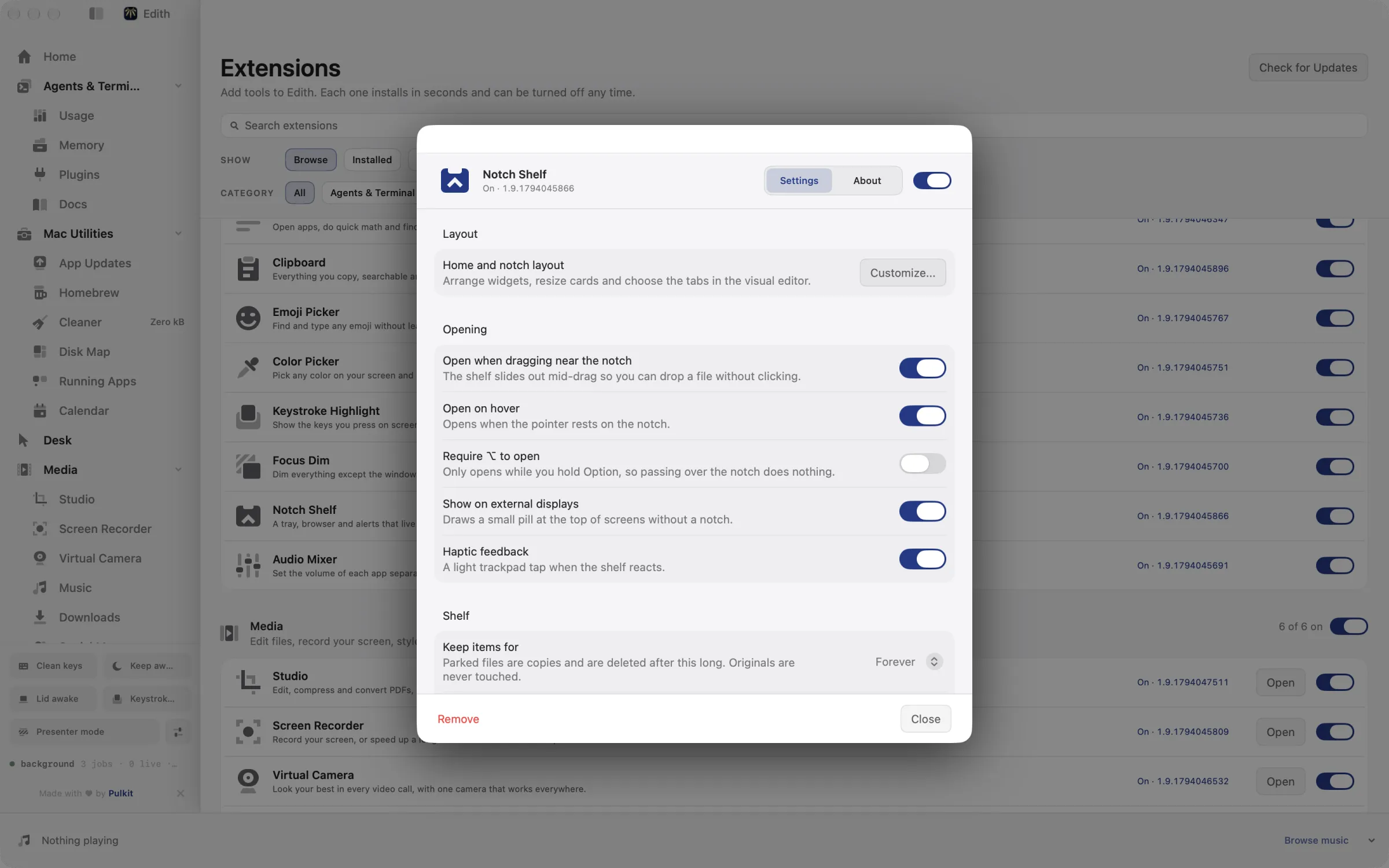
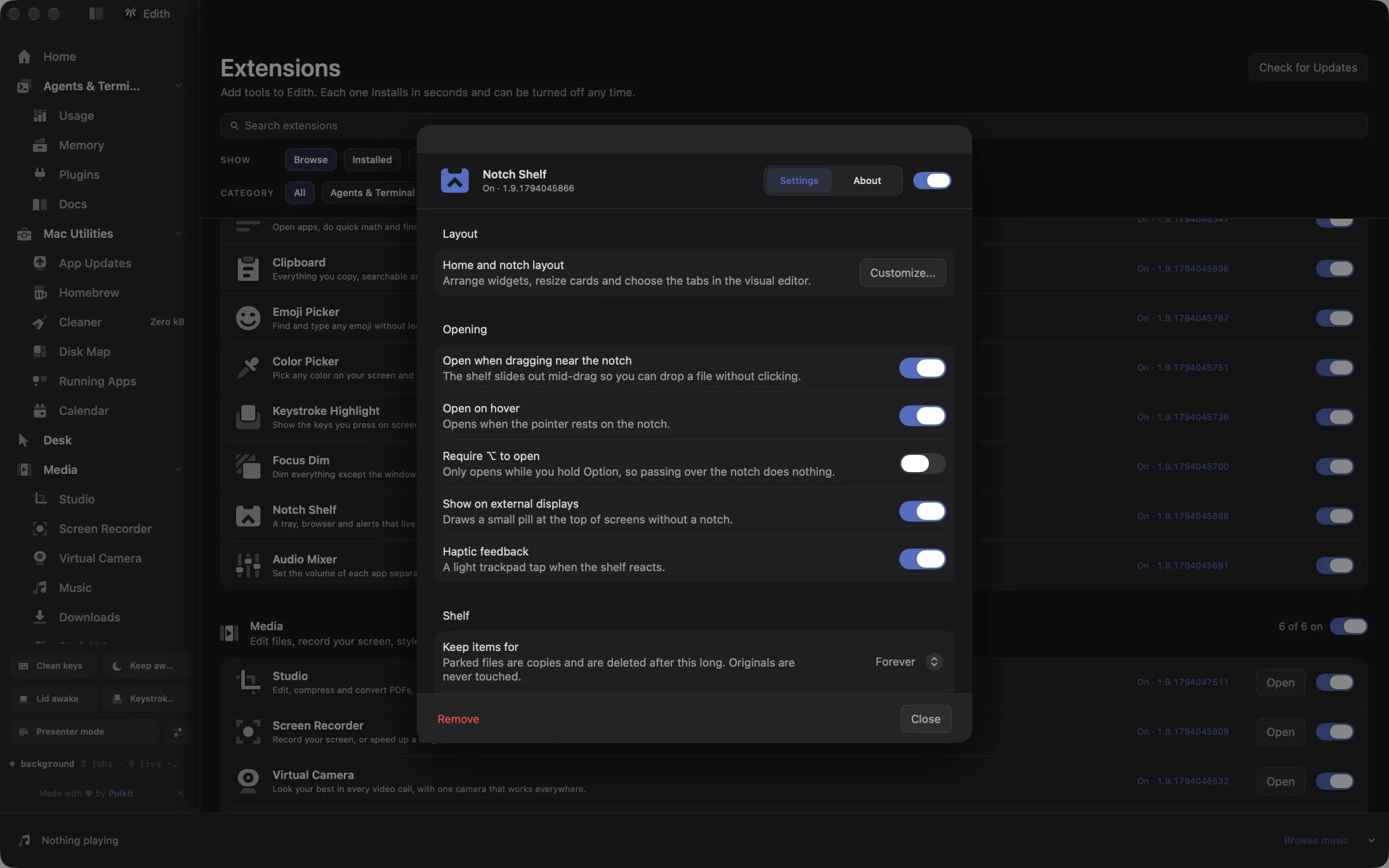
Files can stay until you remove them, or expire after an hour, a day, a week or a month, so the Shelf does not fill up with old copies. It is designed around the MacBook notch, but it also works on a Mac without one or on an external display: turn on Show on displays without a notch in Edith's Notch settings and the tray sits at the top center of the screen.
Updated
How to park files under the MacBook notch
- 1
Drag a file to the notch
The drop tray opens as soon as a file gets close.
- 2
Open the Shelf
Click the notch to see your files and drag them back out.
- 3
Choose how long files stay
Pick how long files stay in Shelf settings.
What it does
Park files under the notch
Drag files to the notch and drag them out later.
Does macOS do this already?
Does macOS have a drag and drop shelf?
No dedicated one. The usual workarounds are dropping files on the desktop, spring-loaded folders, or holding a file with the pointer while you switch apps with ⌘Tab. Desktop Stacks group files but do not hold copies for you. Shelf adds a temporary tray in a fixed place at the top of the screen that keeps copies through app switches, can empty itself on a schedule and can be scripted.
Use cases
Attach a file buried in a deep folder
Drag the PDF from a Finder window to the notch, close Finder, open Mail and drag it from the Shelf into the message. You never have to go back and find the folder again.
Gather screenshots for a bug report
Drop each screenshot on the Shelf as you take it, then drag them into the issue tracker in one go. Set items to expire after a day so the copies clear themselves once the report is filed.
Stage files for a script or an agent
ed shelf ls lists what is parked and ed shelf path prints where one item lives on disk, so a script can pick up files you staged by hand. It works the other way too: ed shelf add ./report.pdf puts a build output on the Shelf, ready to drag into a browser upload form.
From the terminal and your coding agents
Every example returns JSON with --json, and agents can call the same thing over MCP.
$ ed shelf ls
$ ed shelf add ./report.pdf| Command | MCP tools |
|---|---|
ed shelf | edith_shelf_* |
Connect Claude Code, Codex, Cursor or another client through the Edith MCP server.
Permissions and requirements
Permissions
- None. Files you drop are copied into Edith's own storage on this Mac
Requirements
- macOS 14 or later on Apple silicon
- Edith's notch turned on; on Macs or displays without a notch, also turn on Show on displays without a notch
Frequently asked questions
Does Shelf move or delete my original files?
Neither. Dropping a file stores a copy on the Shelf. Removing an item, clearing the Shelf or letting an item expire deletes only that copy, never the file you dragged in.
Can I use Shelf on a Mac without a notch?
Yes. In Edith's Notch settings, turn on Show on displays without a notch. The same drop tray then appears at the top center of the screen on a Mac without a notch or on an external display.
How long do files stay on the Shelf?
Until you remove them, by default. In Shelf settings you can choose one hour, one day, one week or one month instead, and older items are removed automatically. ed shelf purge --yes removes expired items straight away.
Can Claude Code put files on the Shelf for me?
Yes. The ed shelf commands are exposed as MCP tools such as edith_shelf_add, edith_shelf_add_text, edith_shelf_ls and edith_shelf_share, so an agent can stage a file it generated, or a piece of text, for you to drag into another app. Clearing the Shelf shows a preview first.
Is Shelf included in the Edith price?
Yes. Shelf is one of the extensions you get with Edith for a single payment, with nothing extra to subscribe to.
Guides
Compare and alternatives
More in Desk

Get Edith.
From $35 once. No subscription. No account.
Needs a license key · macOS 14 or later on Apple silicon · 6.4 MB