 Edith
Audio Mixer
Per-app volume control for Mac
Set the volume of each app separately.
Audio Mixer is an Edith extension that gives every app currently playing sound its own volume slider, so you can turn one app down or mute it while everything else stays at full volume.
macOS has one volume for everything. If a video in the browser is too loud next to a call, the only built-in fix is to find a volume control inside that app, if it has one. Audio Mixer lists each app that is making sound right now with a slider from 0 to 100 percent. Drag the browser down to 30 percent and the call stays where it was. Drag a slider to zero to mute that app, and drag it back to full to hear it exactly as before.
It is built on the Core Audio process taps Apple added in macOS 14.4, which is why it needs 14.4 or later and why macOS asks for audio access the first time. Apps appear only while they are playing, so the list stays short. Levels apply while the app keeps running: if you quit an app, or switch output from speakers to headphones, apps return to full volume and you set them again.
Audio Mixer has a command line as well. ed audio ls lists what is playing, ed audio volume Music 40 sets one app, and ed audio mute Music or ed audio unmute Music toggles it. That makes it easy to put levels on a keyboard tool, or to write a small script that turns music down before a meeting and back up afterwards.
Updated
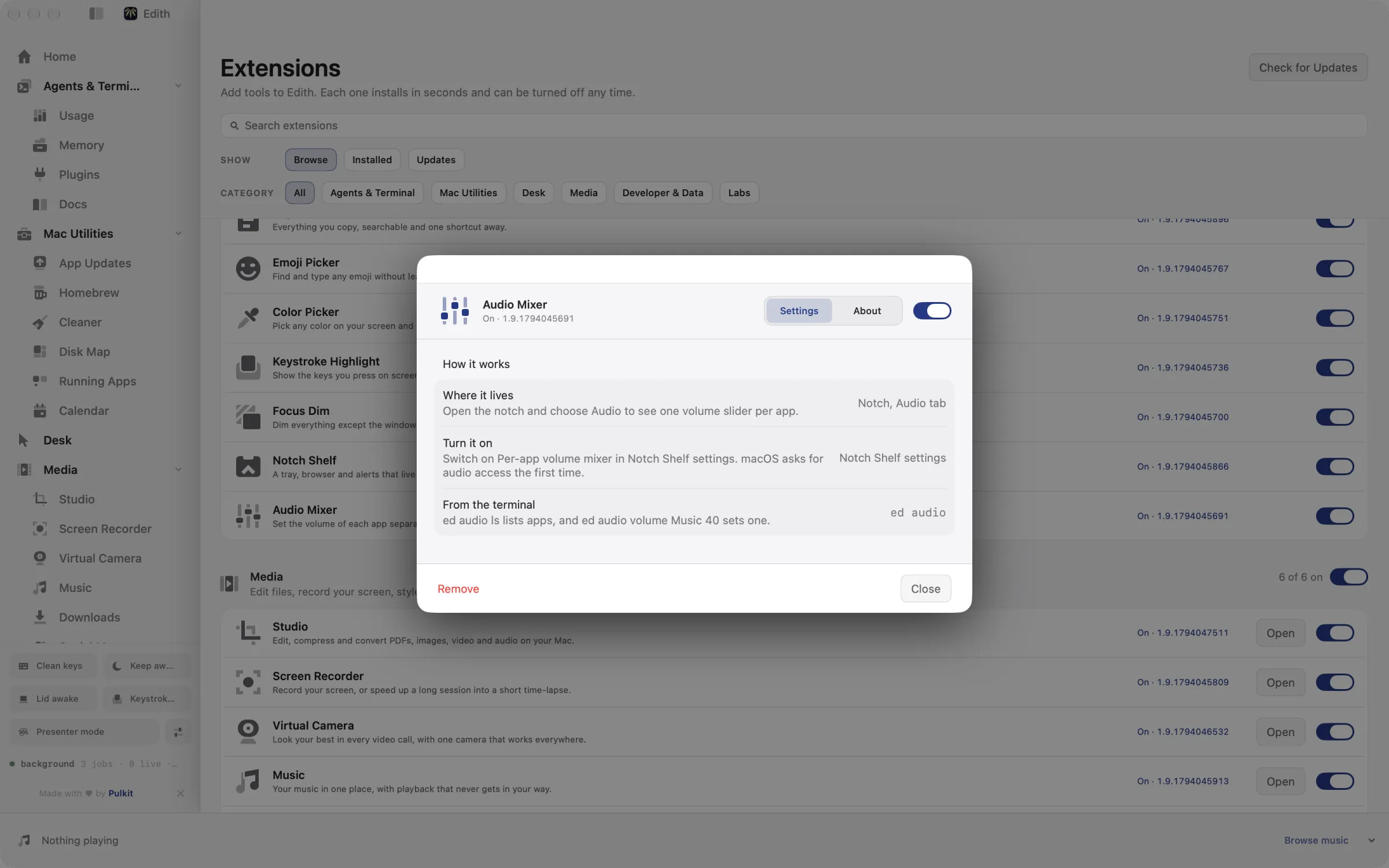
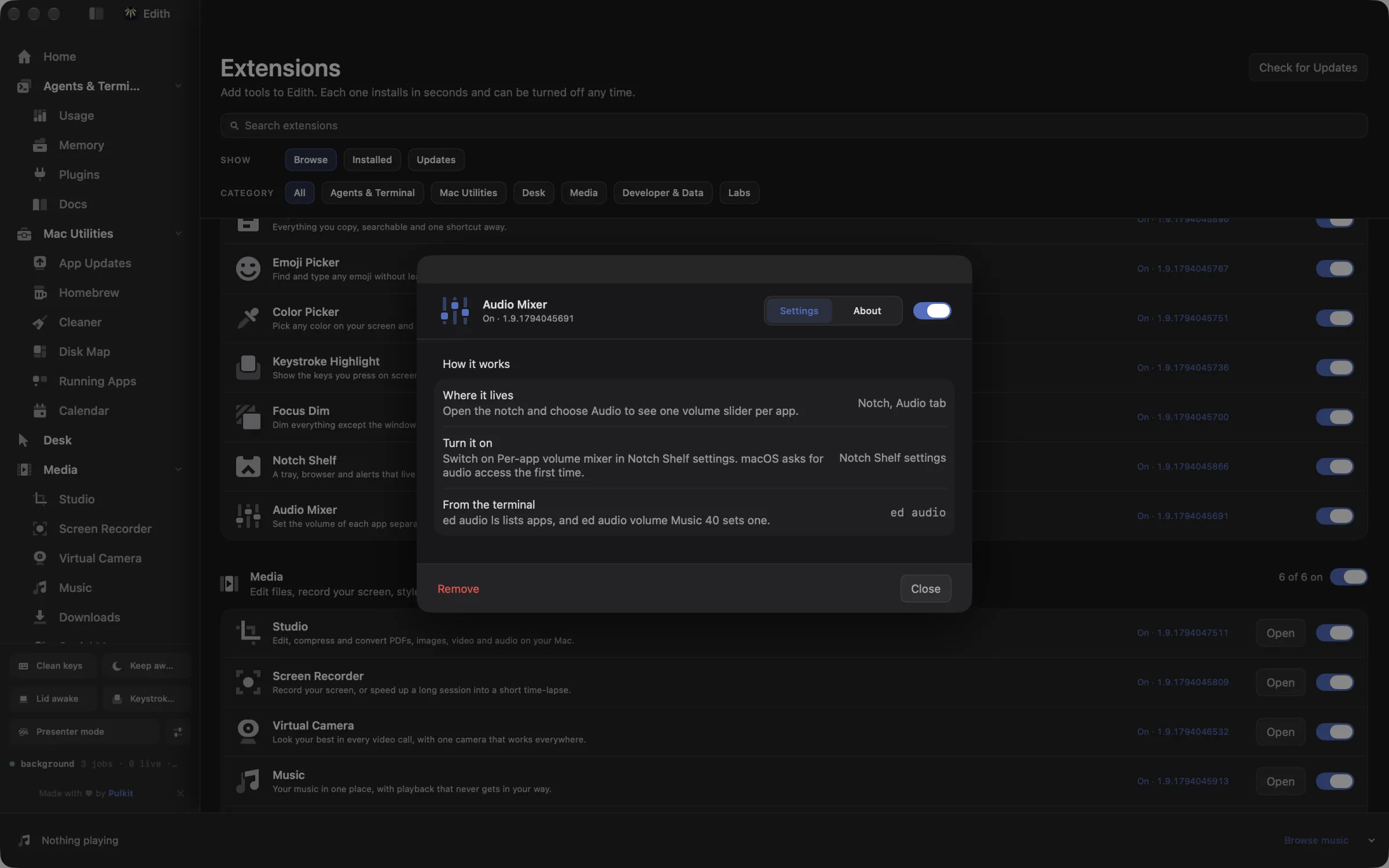
How to change the volume of one app on Mac
- 1
Play something
Apps appear in the mixer only while they are making sound.
- 2
Open Audio Mixer
Open it from the Library to see one slider per app.
- 3
Drag or mute
Slide to lower an app, or drag to zero to mute it. Full volume restores it.
What it does
Set the volume of each app
One slider for every app that is playing sound.
Does macOS do this already?
Can you control volume per app on a Mac?
Not with built-in settings. The volume keys, Control Center and System Settings > Sound all change the output for every app at once, and only some apps have their own volume slider. Audio Mixer adds a slider and mute for each app that is playing, on one page and from the command line.
Use cases
Keep music quiet under a video call
Join the Zoom or Meet call, open Audio Mixer and drag Music or Spotify down to 20 percent. Voices on the call stay at full volume and the music is still there in the background.
Silence one app without pausing it
A game or a long video keeps making noise in one app while you follow a tutorial in another. Drag the noisy app to zero; it keeps running silently and the tutorial plays as normal.
Script a meeting mode
A shell alias that runs ed audio volume Music 15 before a call and ed audio unmute Music afterwards brings music back to full without touching your system volume or the call app.
From the terminal and your coding agents
Every example returns JSON with --json, and agents can call the same thing over MCP.
$ ed audio ls
$ ed audio volume Music 40
$ ed audio mute Music
$ ed audio unmute Music| Command | MCP tools |
|---|---|
ed audio | edith_audio_* |
Connect Claude Code, Codex, Cursor or another client through the Edith MCP server.
Permissions and requirements
Permissions
- Audio capture access, which macOS asks for the first time you change an app's volume
Requirements
- macOS 14.4 or later on Apple silicon, for Core Audio process taps
- An app has to be playing sound to appear in the list
Recent changes
- FixedOpen its static settings while the extension is idle.v0.0.381,
Frequently asked questions
Why is an app missing from Audio Mixer?
Apps are listed only while they are producing sound. Start playback in the app and it appears in the mixer; when it goes quiet it drops off the list again.
Can it make an app louder than normal?
No. Each slider runs from silent to the app's normal level, so 100 percent is the volume you would hear without Audio Mixer. To go louder, raise the system volume and turn the other apps down.
Do my volume levels stay after I quit an app?
No. A level applies to the running app. When the app quits, or when your output device changes, for example from speakers to AirPods, apps go back to full volume.
Can an agent change app volume over MCP?
Yes. Edith's MCP server exposes edith_audio_ls, edith_audio_volume, edith_audio_mute and edith_audio_unmute, so Claude Code or another client can see what is playing and set an app's level by name.
Does Audio Mixer cost extra?
It does not. Audio Mixer is bundled with Edith, and the one purchase covers it along with everything else.
More in Desk

Get Edith.
From $35 once. No subscription. No account.
Needs a license key · macOS 14 or later on Apple silicon · 6.4 MB